
Toolbox » Sidebar Manager
Link: https://support.brilliantdirectories.com/support/solutions/articles/5000673365
Where Can I Access This Tool?
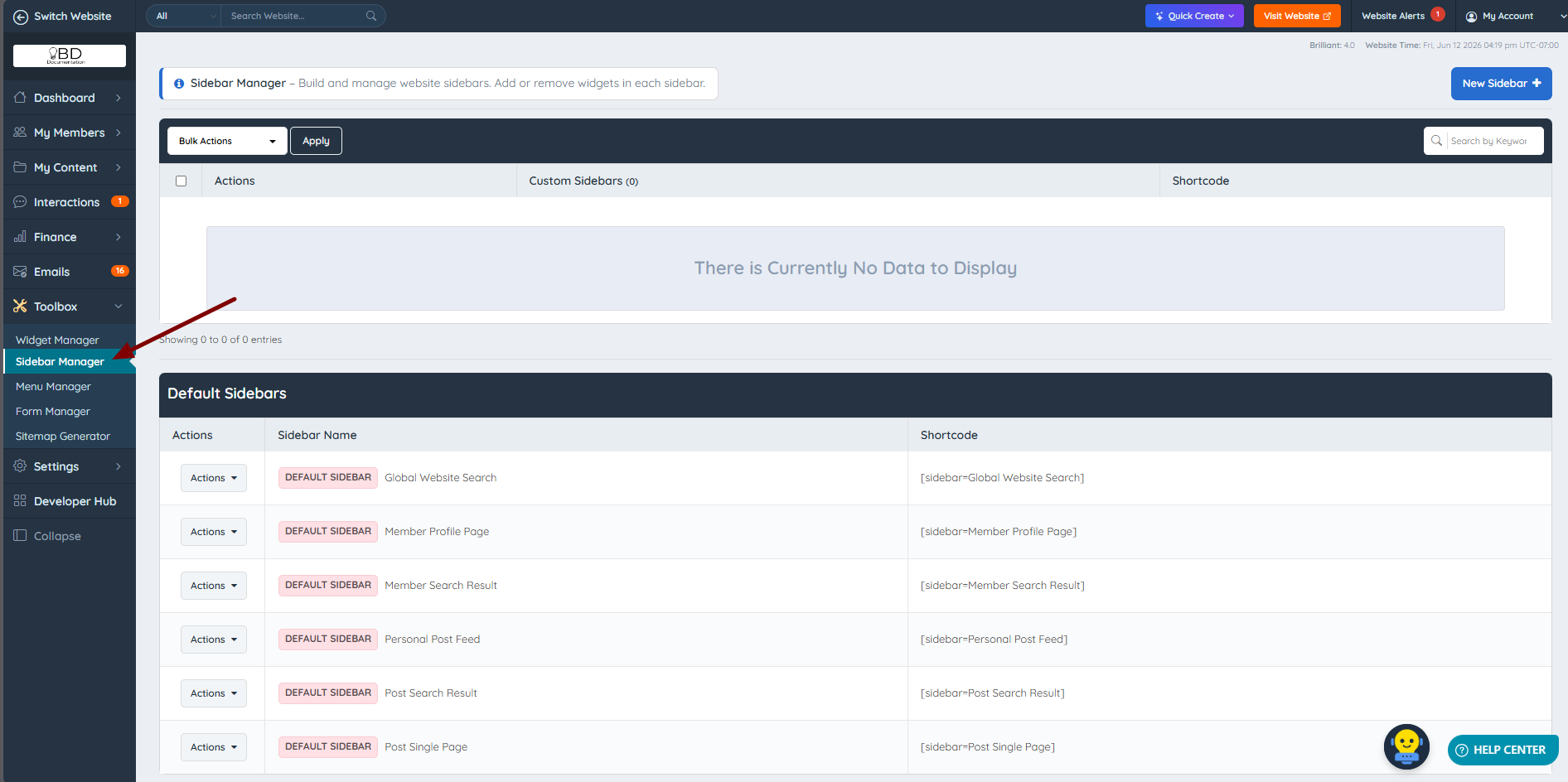
Access this tool from the admin section by navigating to Toolbox » Sidebar Manager.
All sites come with 4 default sidebars. Two of them, Global Website Search and Personal Post Feed, are only available when their add-ons are active on the site:
How To Edit These Sidebars
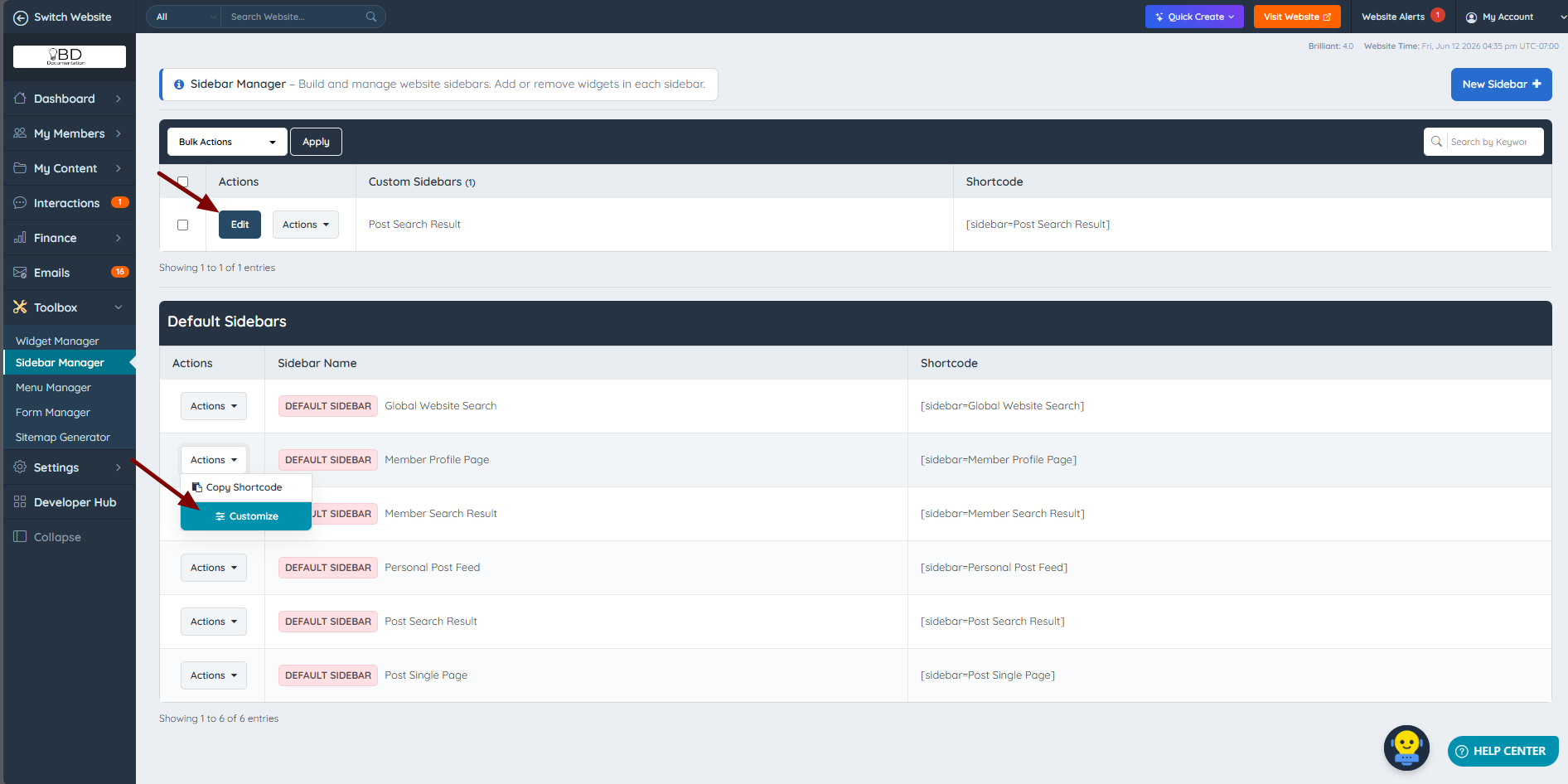
Default sidebars can be edited by clicking Customize in the Actions drop-down. Custom sidebars can be edited by clicking Edit:
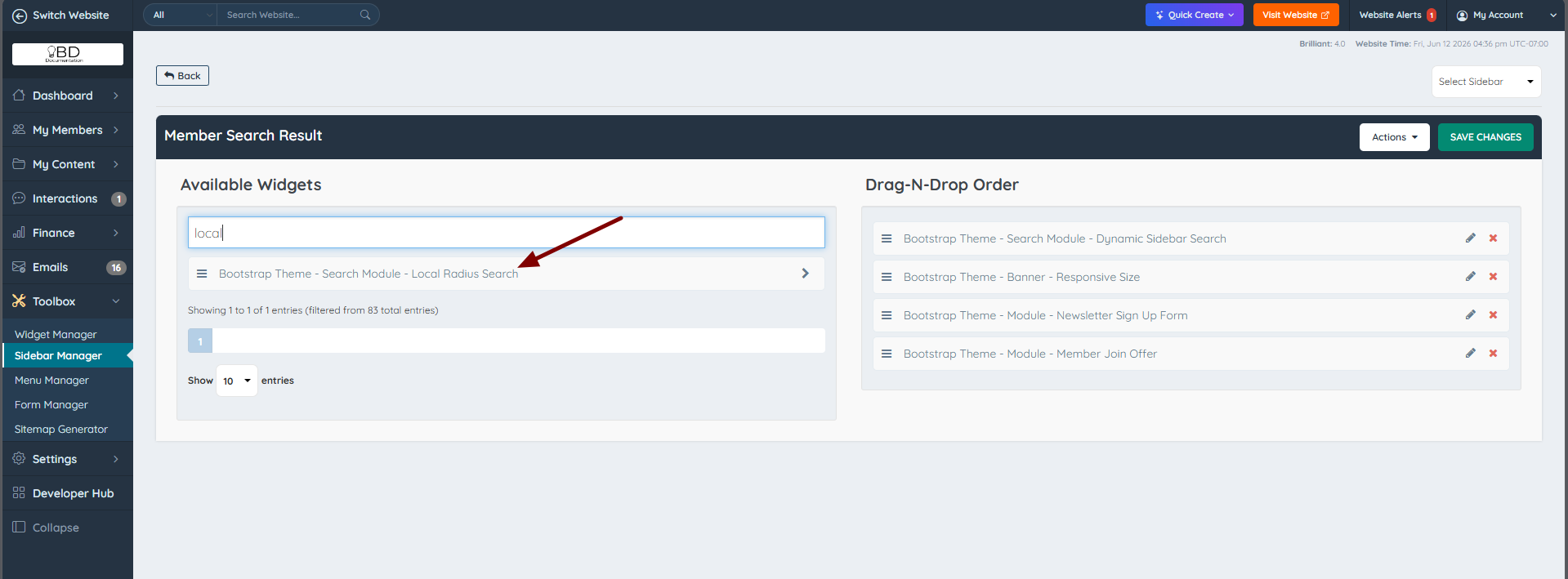
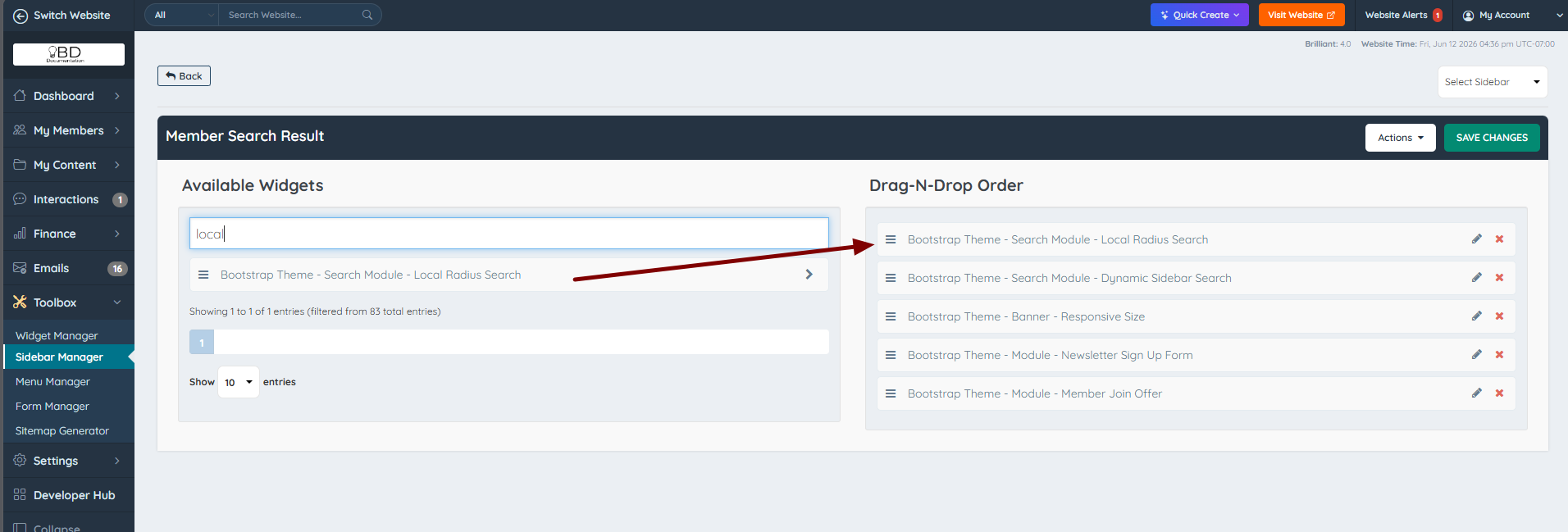
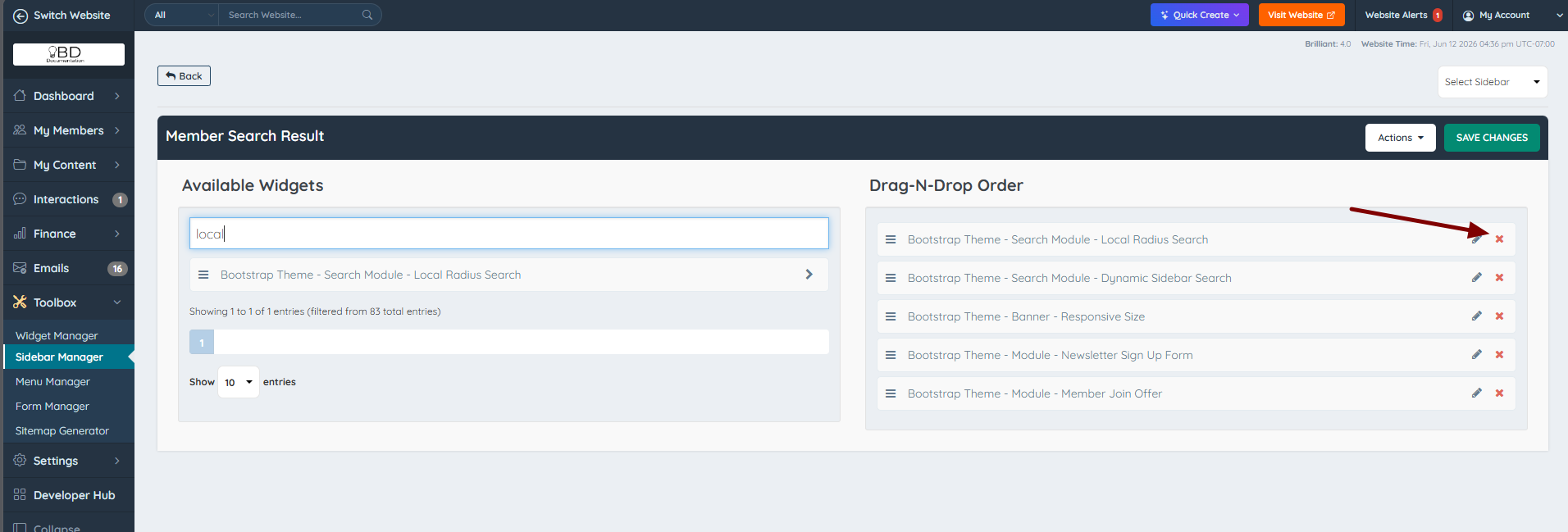
Once the sidebar has been selected, search through the available widgets and drag and drop the desired module into position on the sidebar.
For this example, we located the "Bootstrap Theme - Search Module - Local Radius Search" widget for the Member Search Results sidebar:
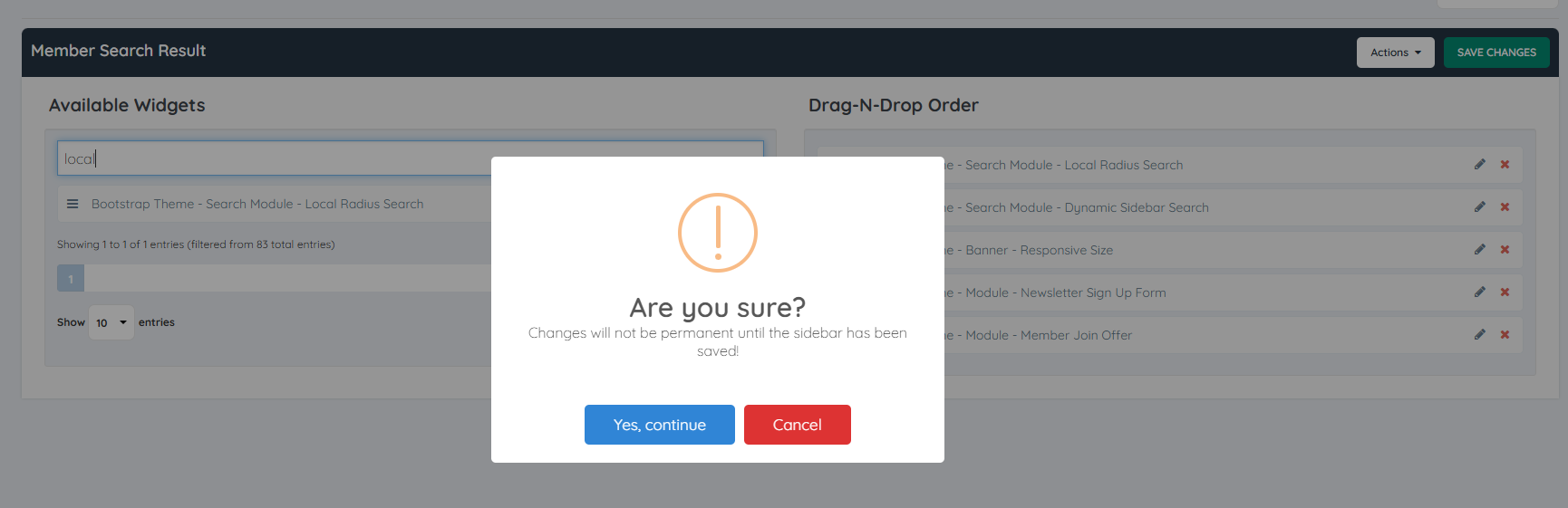
It is also possible to delete unwanted widgets from the sidebar by clicking the X:
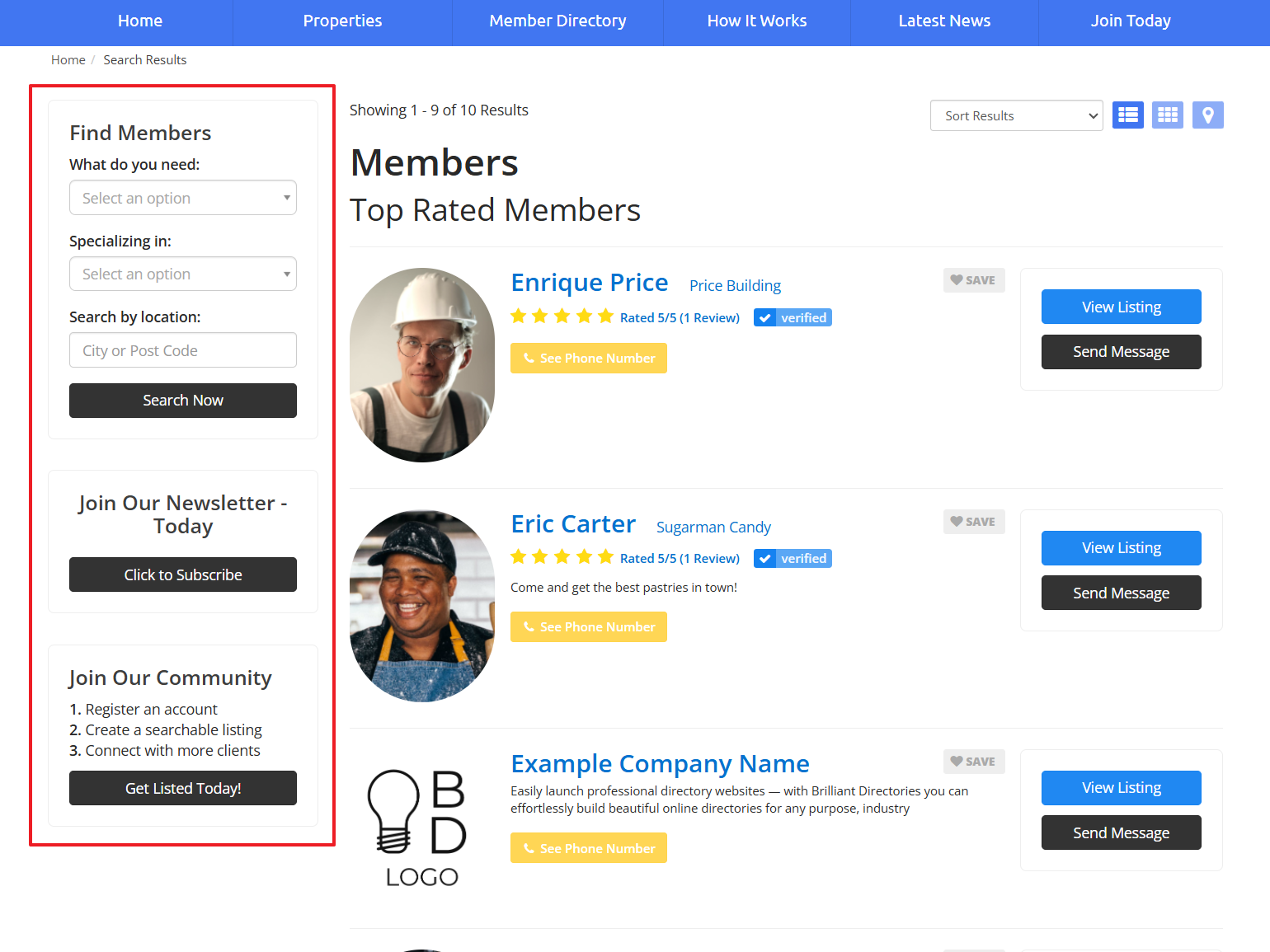
The front end before saving these changes:
With the new sidebar changes:
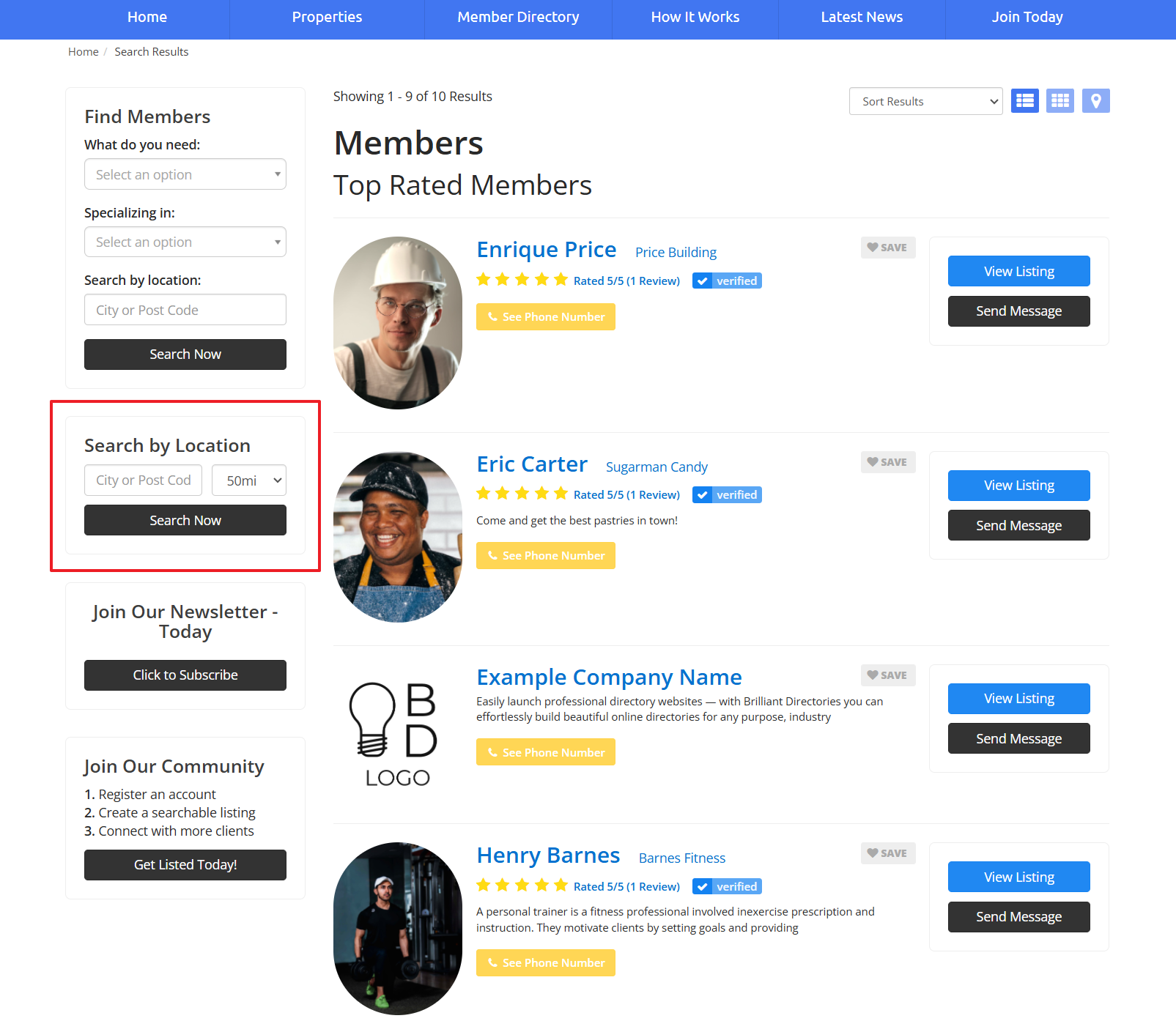
Important note: Only one dropdown search module will work properly per sidebar.
Other Options For The Sidebar Manager
In addition to the standard features, there are several other options available that allow for further modification.
Actions For Custom Sidebars
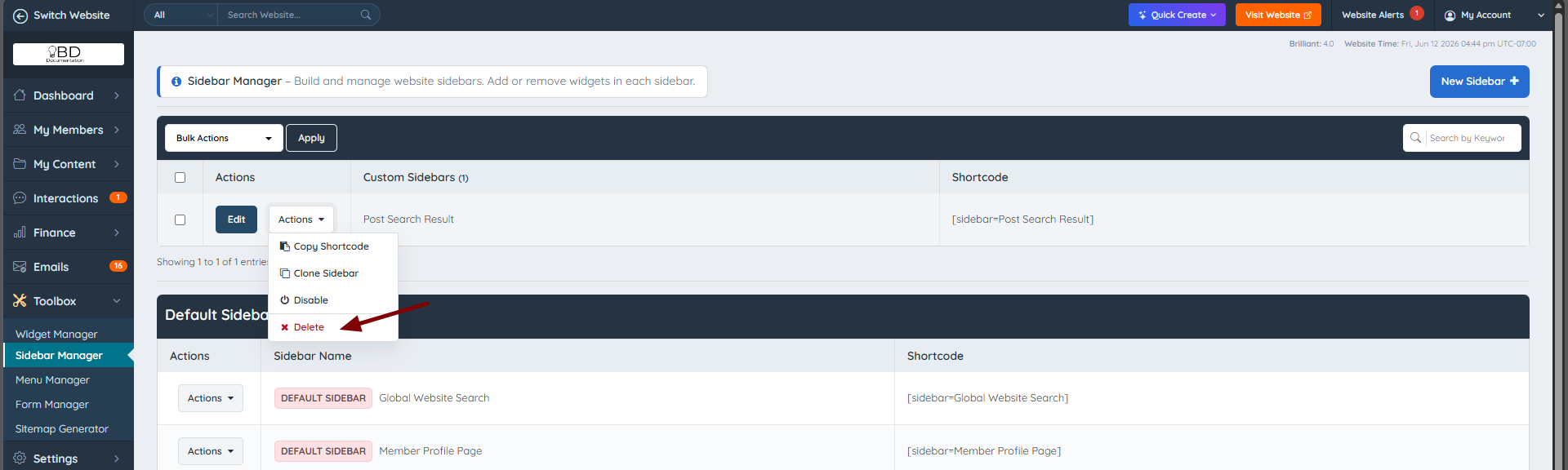
Right next to the "Edit" button is the "Actions" option:
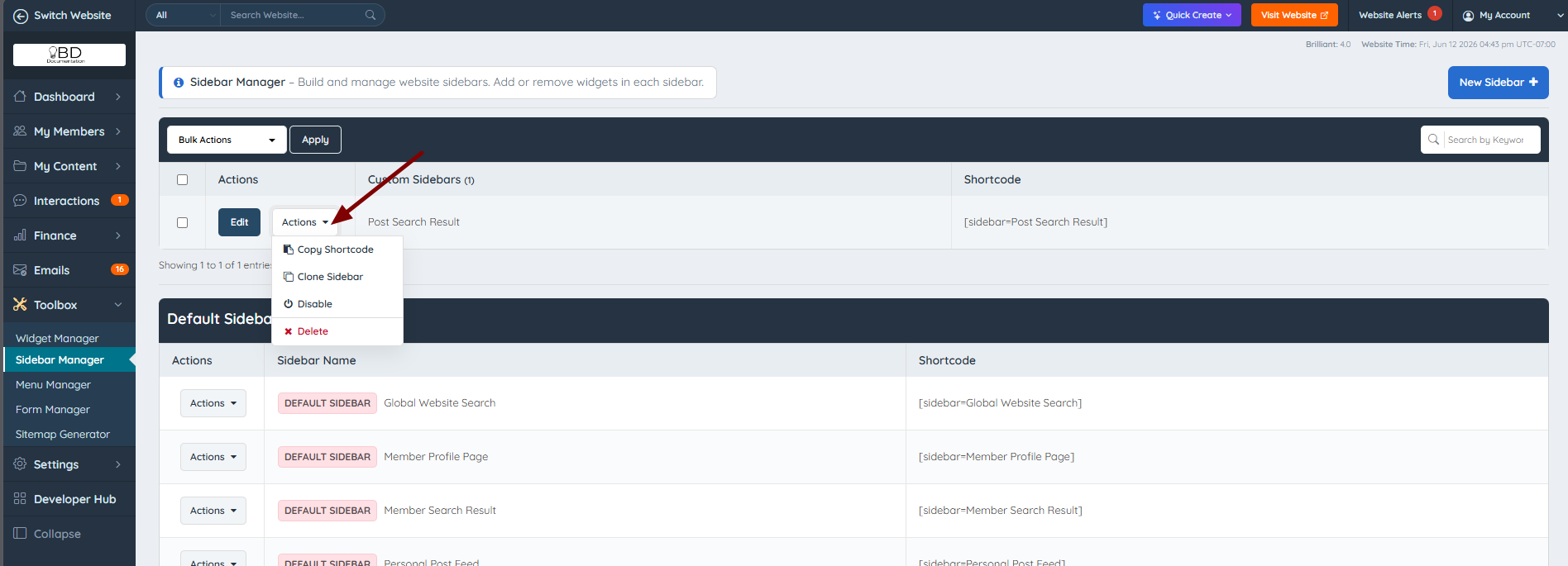
Under Actions, it is possible to:
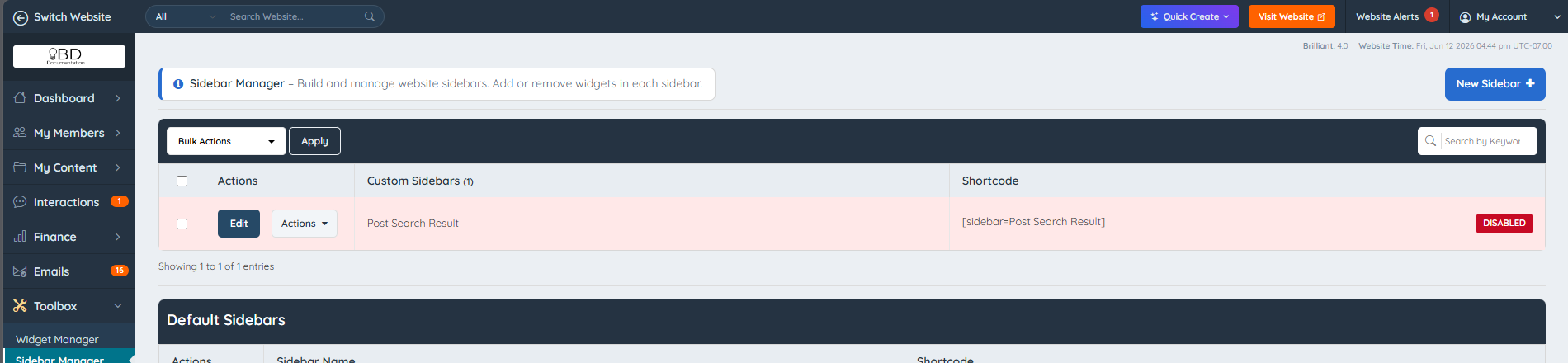
- Disable: Disables the sidebar if it is being used on the site. The system will use the default version of the sidebar instead.
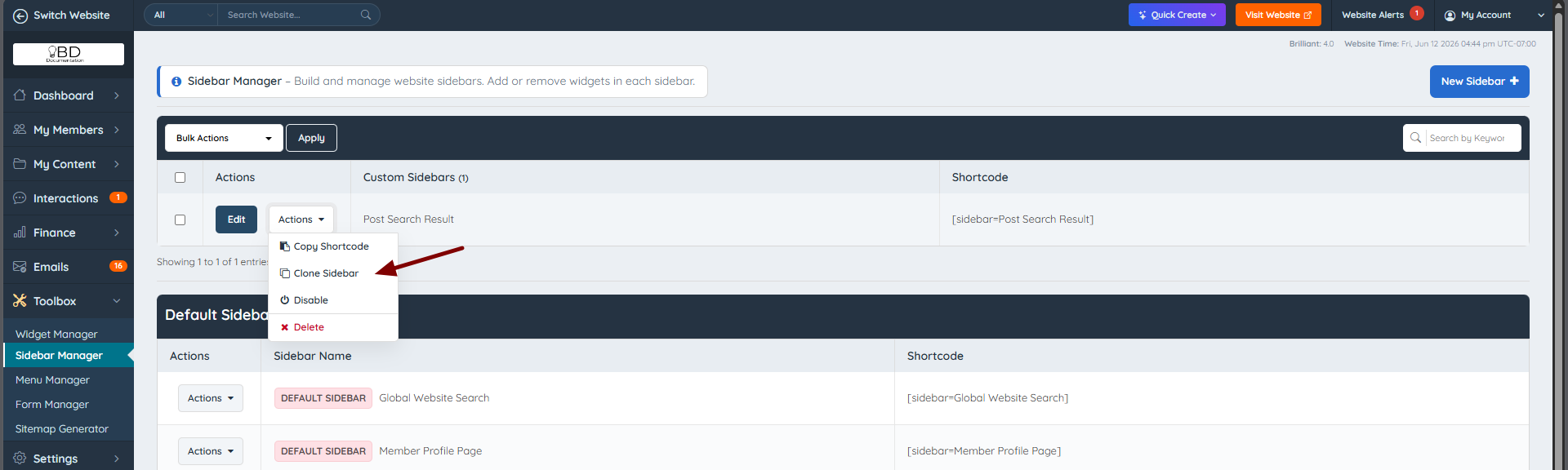
- Clone: The recommended way to create a new sidebar.
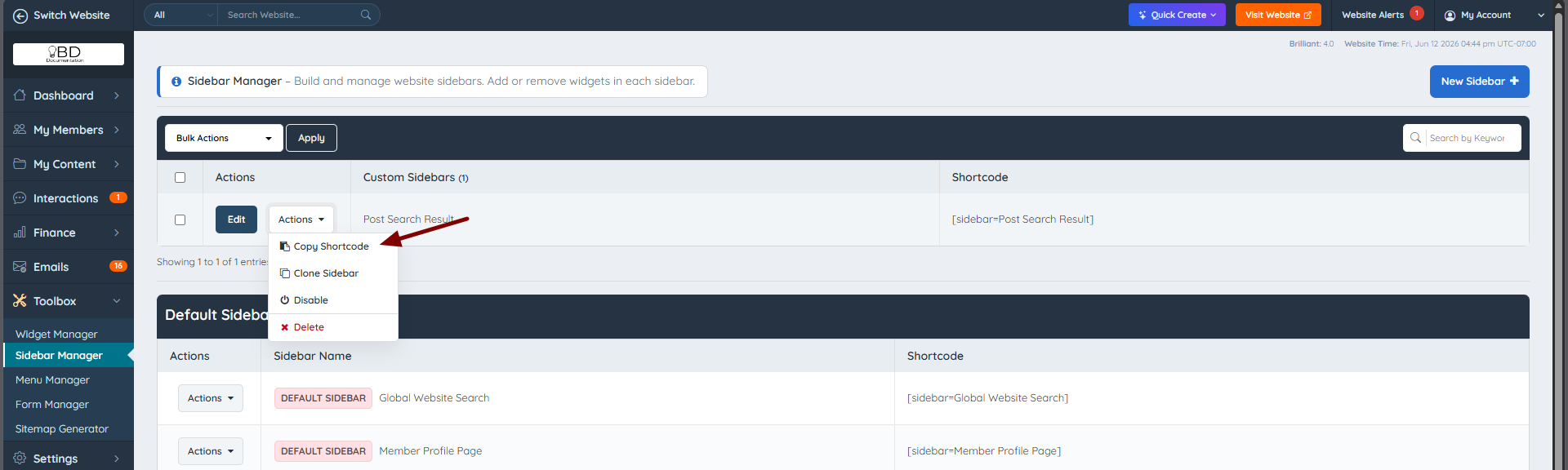
- Copy Shortcode: Copies the sidebar's shortcode, which is helpful when the sidebar needs to be called on a web page or inside a widget.
- Delete: Permanently removes the entire sidebar from the site.
Bulk Actions
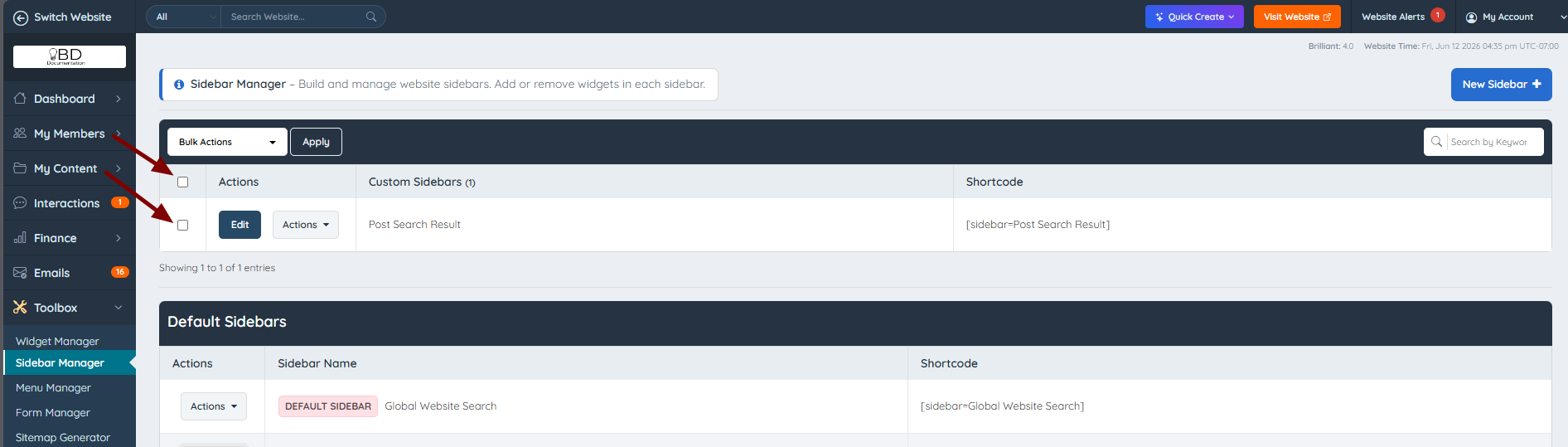
Use the checkboxes to individually select each sidebar, or use the main checkbox to select all:
Then choose one of the available bulk actions and click Apply:
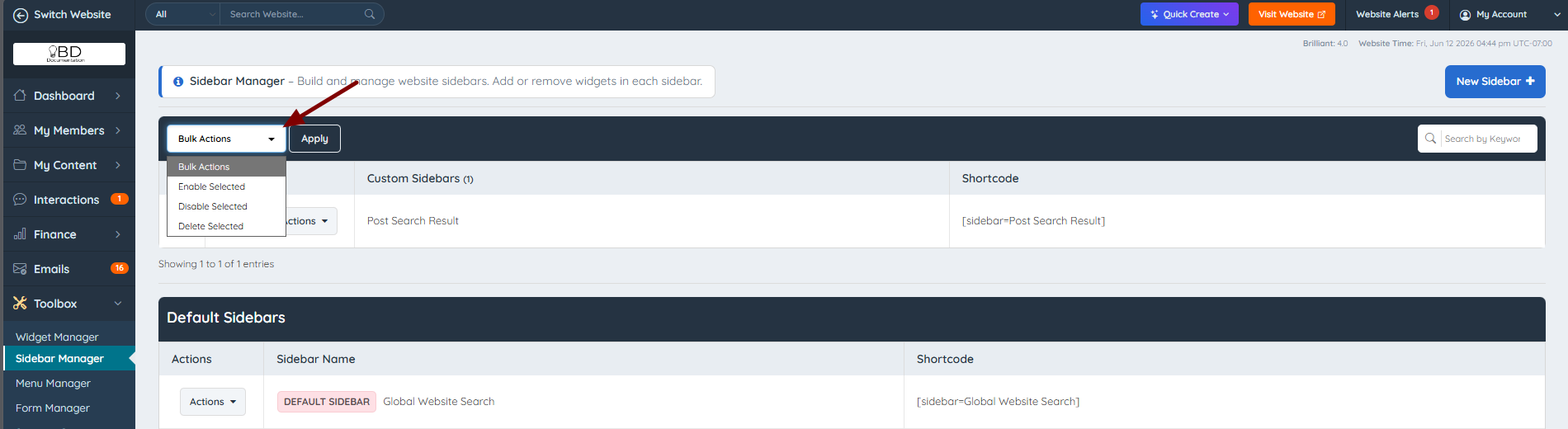
The selected bulk action is applied to the sidebars:

New Sidebar
The last option is to create a new sidebar manually by clicking the button on the far right:

Additional Information
Notes
- The widgets that are allowed for use are those with "Module", "Dynamic Category Filter", and "Banner" in their names, as well as any custom widgets.
