
Web Page "Page Types"
Link: https://support.brilliantdirectories.com/support/solutions/articles/12000000921
When editing a static page (or creating a new static page), the Page Info tab will show a dropdown of options for the "Page Type".
These are used to tell the system how the page should be handled (including how some functions and variables will be used).
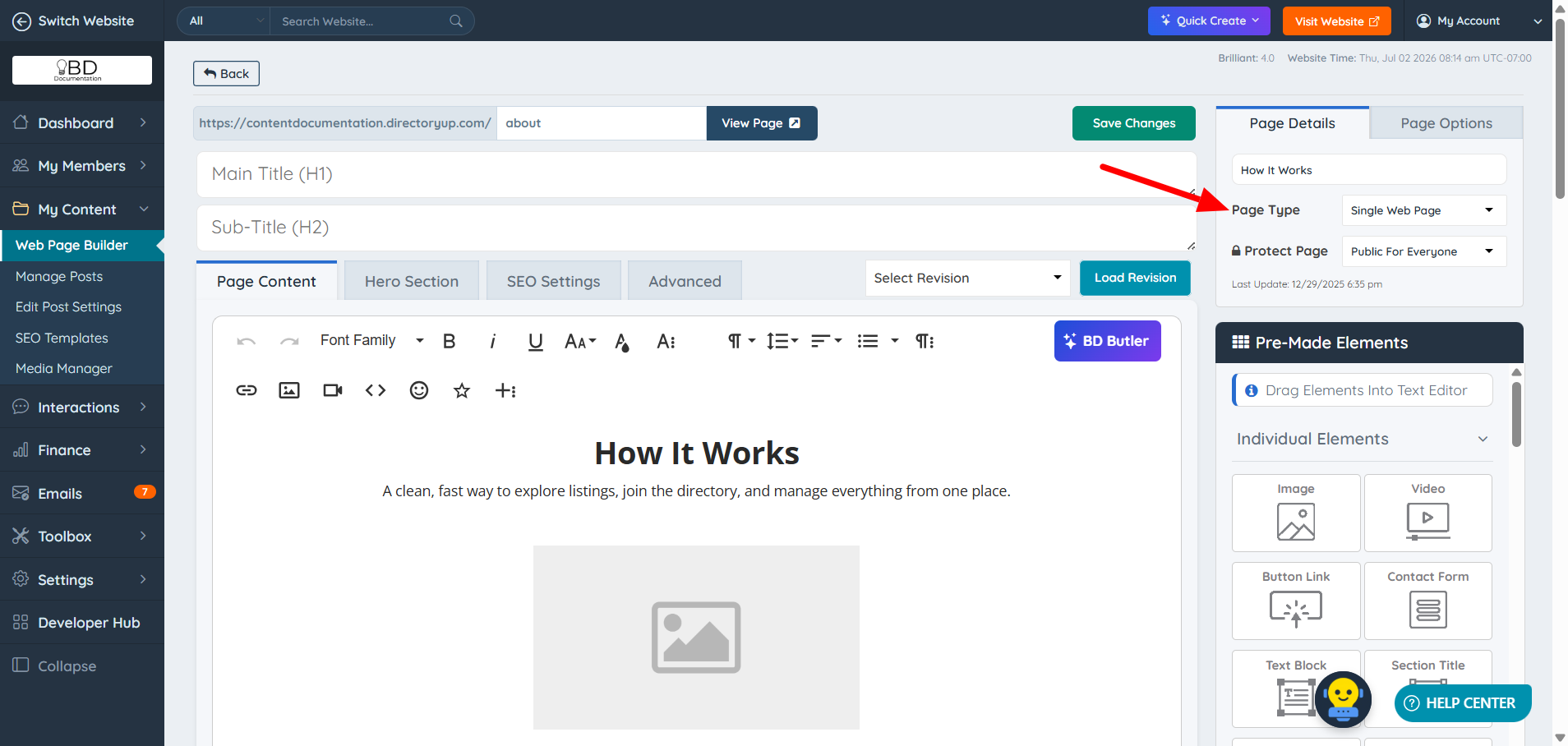
Page Types
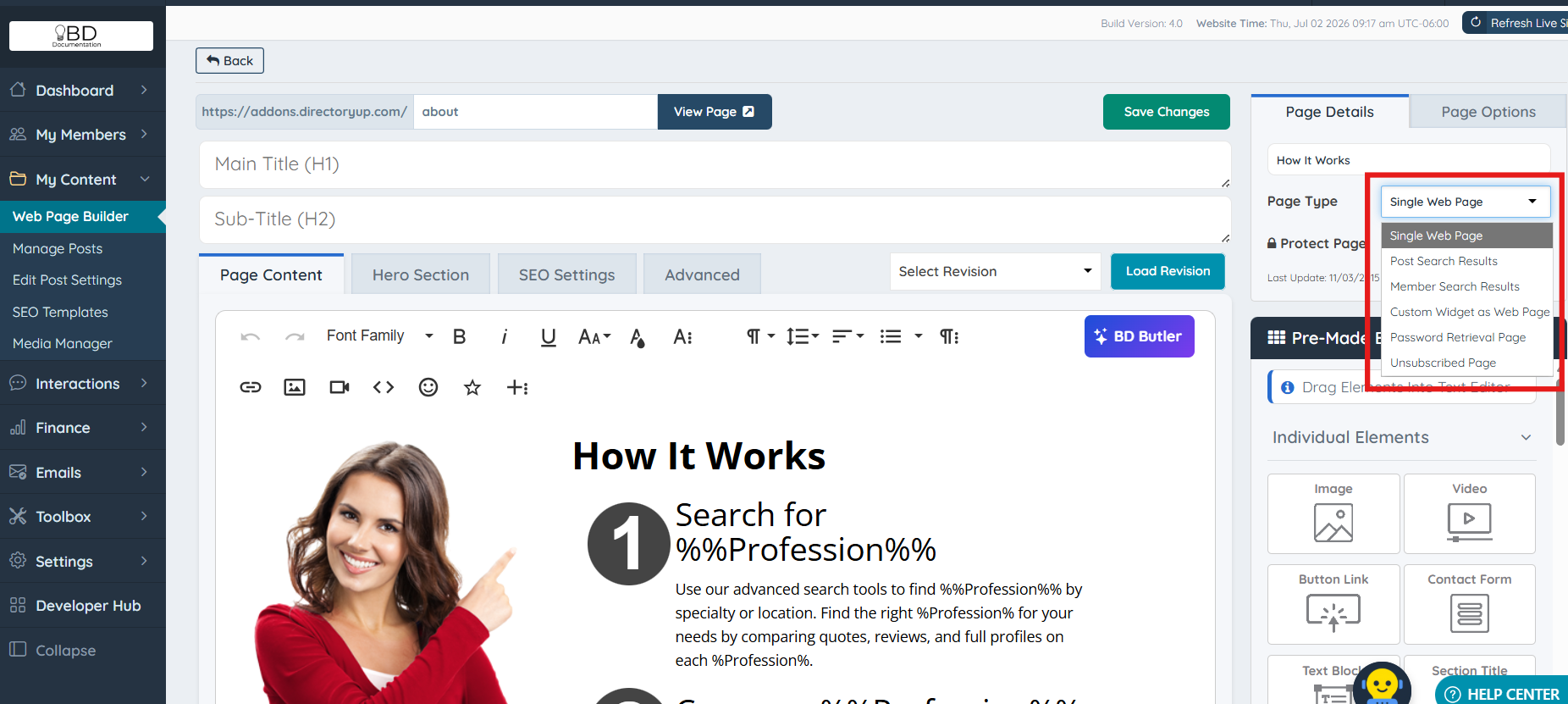
Single Web Page
This will tell the system that this page is a static page. Content-type pages can use images, call widgets, and more. This is the type that is most likely to be used.
Post Search Results
Member Search Results
Custom Widget as a Web Page
Using the "Custom Widget as Web Page" Page Type for the Web Page Builder
Password Retrieval Page
Every Brilliant Directories website will come with a default URL called /login/retrieval, where members can receive an email to update their password if they forget it. This option allows you to customize the elements on this page.
Unsubscribe Page
Every Brilliant Directories website includes a default URL at /unsubscribed, where members and visitors can unsubscribe from the newsletter.
