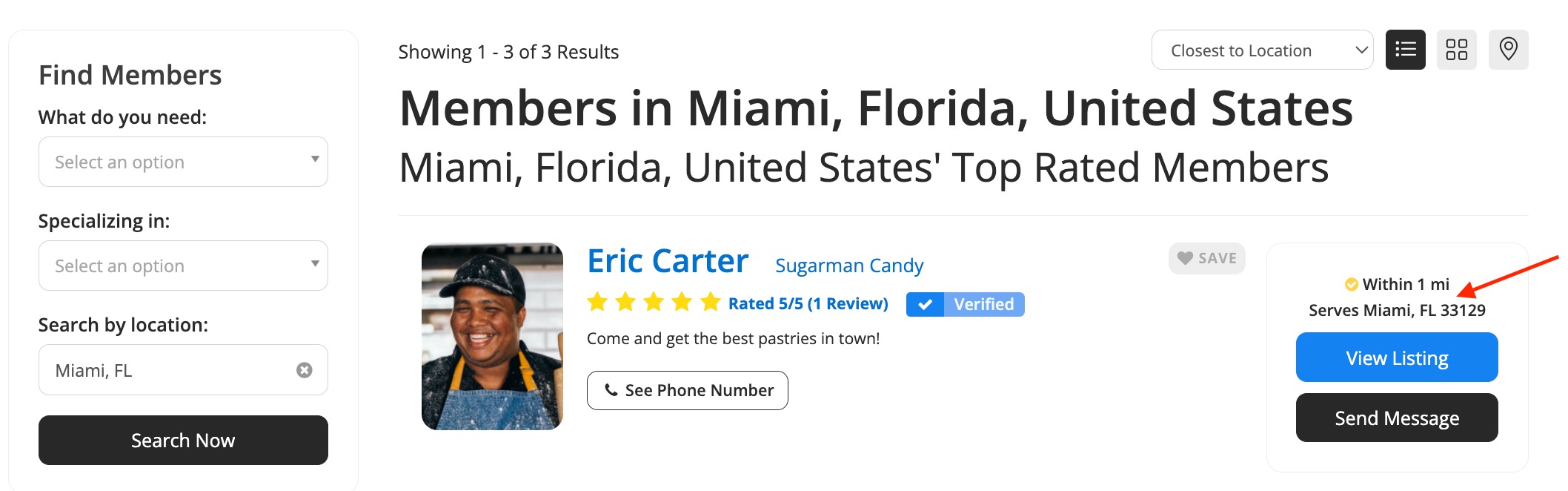
How to Localize the Website
Link: https://support.brilliantdirectories.com/support/solutions/articles/12000003018
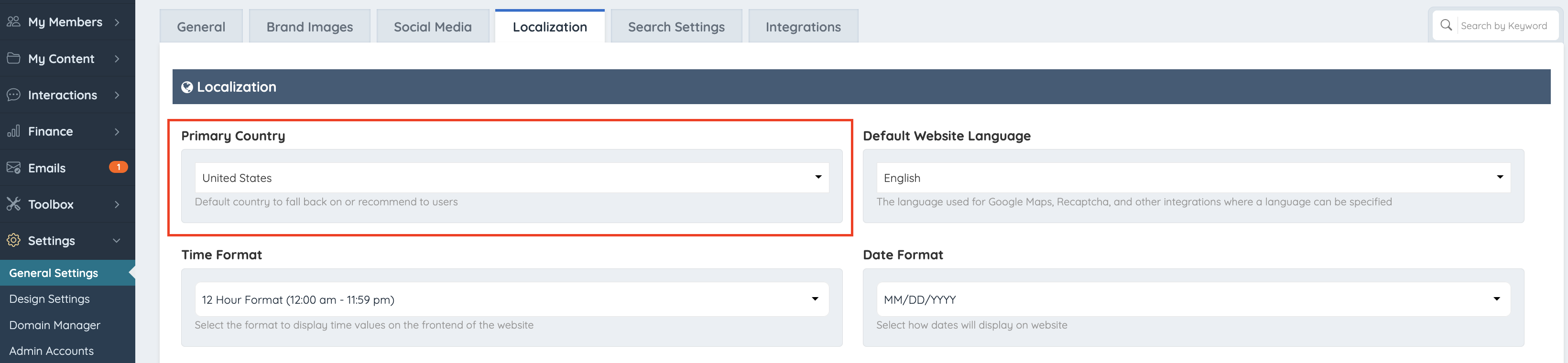
The Primary Country setting is used to fall back on or recommend to users when maps/map searches are needed.
Primary Country Setting
Go into Settings >> General Settings >> Localization:
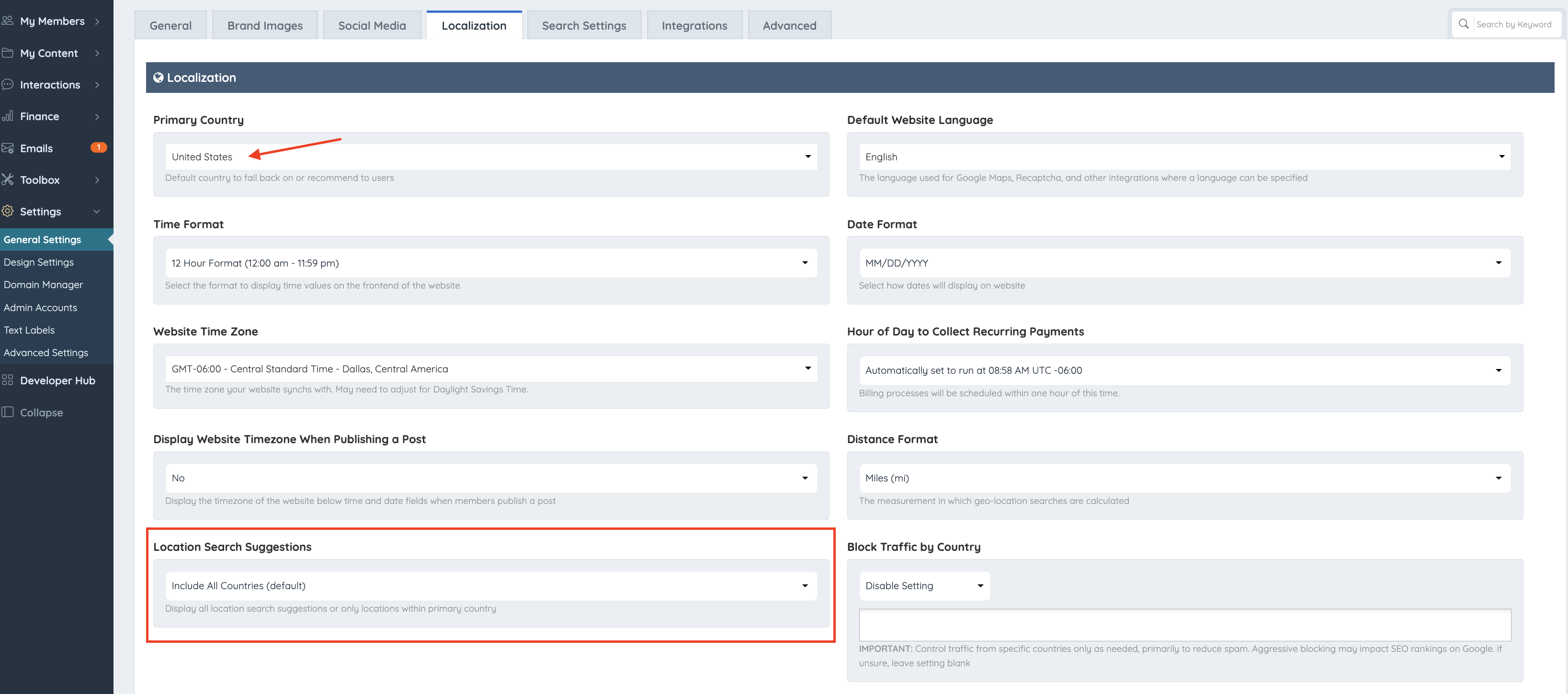
Location Search Suggestions
By default, whenever a user does a search by location, it will recommend suggestions from all around the world; however, if the website is intended to be used in one country only, the searches should be in the intended country.

Default Map Pin
The Primary Country setting is also used to set the default map pin:

This applies to the following forms:
- Lead Form
- Member Contact Details (shown above)
- Service Areas
- Single Image and Group Posts
The map pin location can be customized using the advanced settings
Default Center Map Location
System Variable: default_center_map_lat_lon
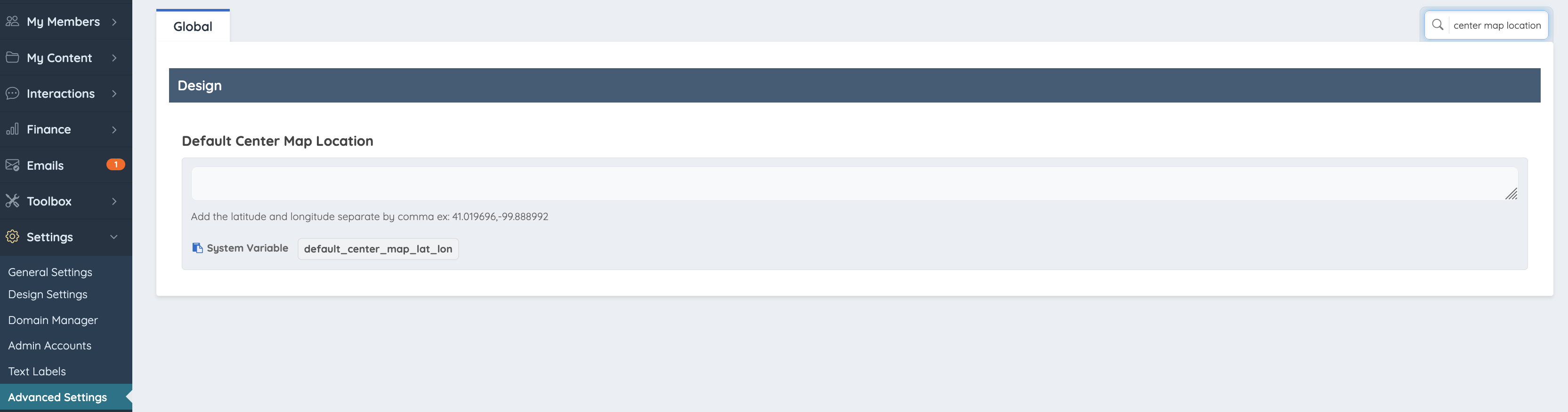
When using this setting, add the latitude and longitude coordinates separated by commas.
Example: 41.019696,-99.888992
Service Areas Display Behavior
Also, if the Location Search Suggestions setting is configured to Include All Countries, the country associated with the Service Areas will be displayed:
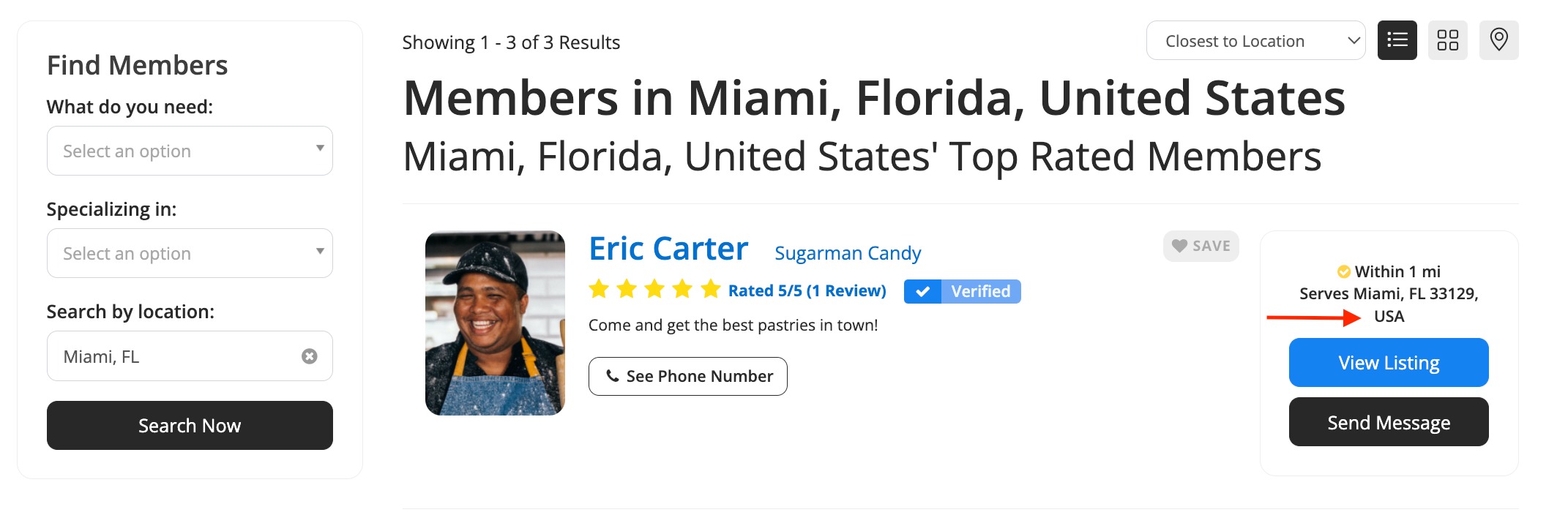
If the setting is configured to Only Search Within Primary Country, the country associated with the Service Areas will be hidden: