
How To Add A Sidebar To Homepage
Link: https://support.brilliantdirectories.com/support/solutions/articles/12000005307
Brilliant Directories offers a homepage sidebar that displays under the homepage image and divider:
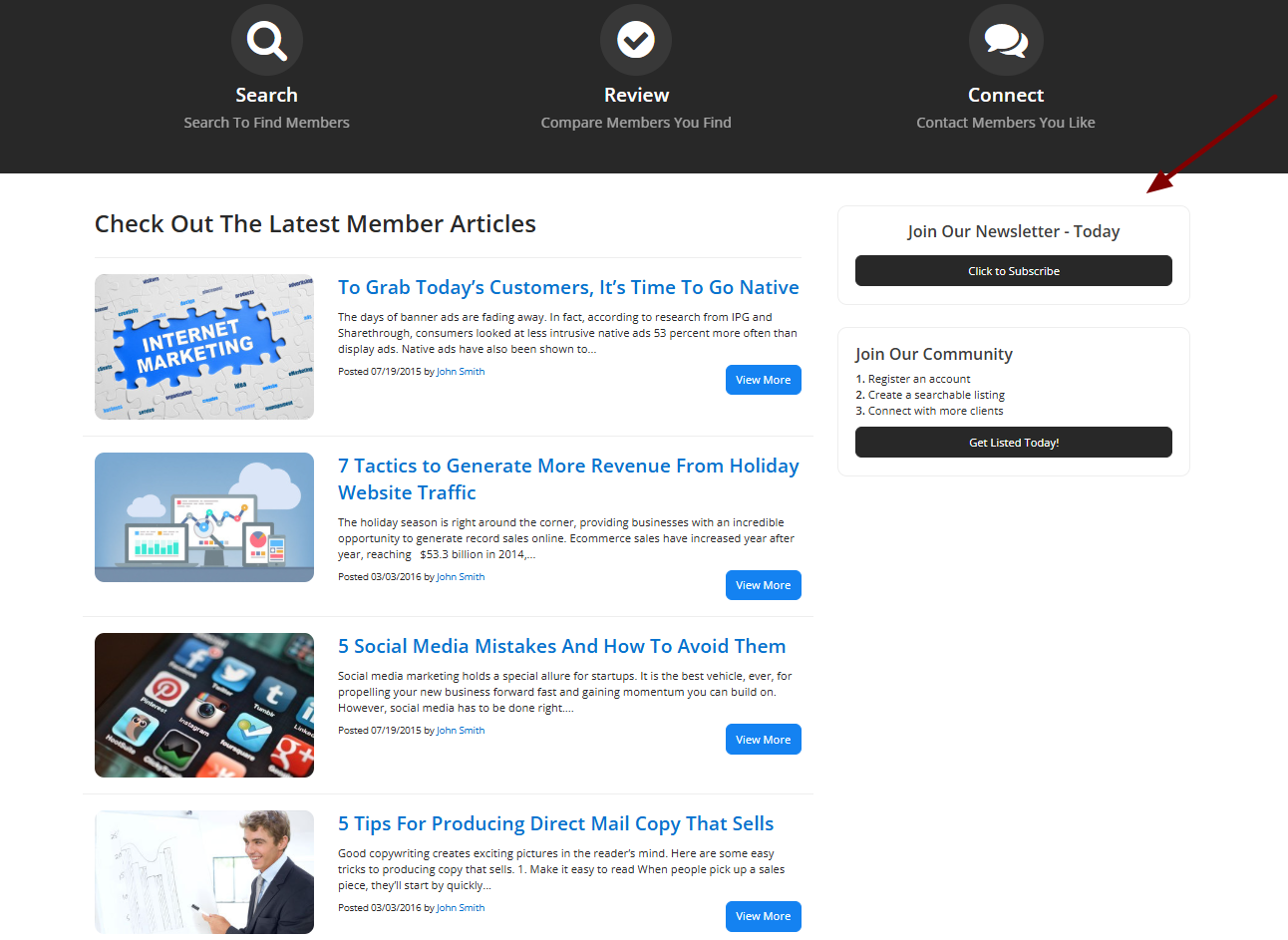
Follow these instructions to add the homepage sidebar along with the recent articles widget:
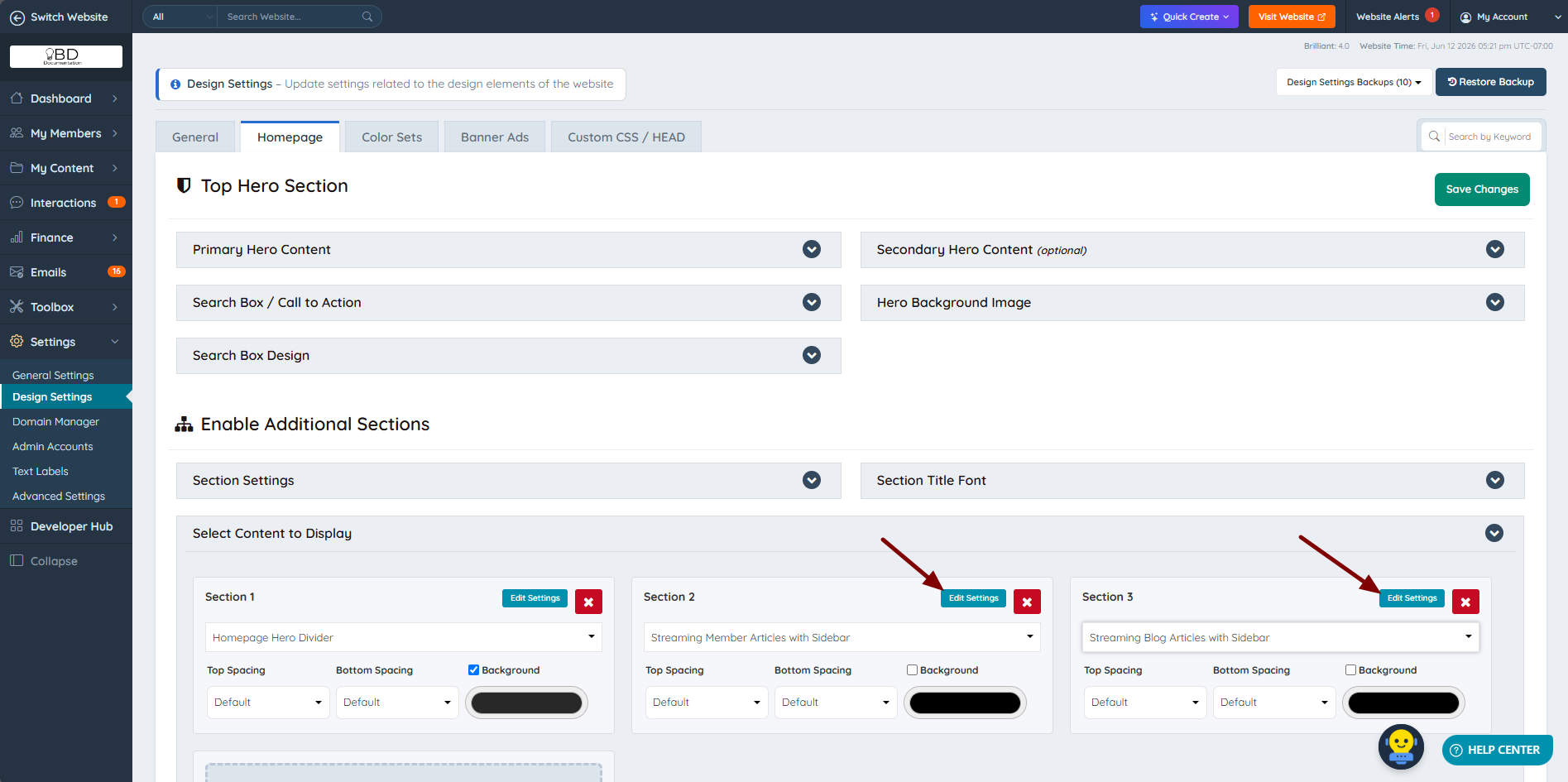
1. Navigate to Settings » Design Settings » Homepage Layout » Homepage Section Order.
2. From the drop-down, select "Show Recent Member Articles with Sidebar" or "Show Recent Blog Articles with Sidebar":

3. Click "Save Changes".
4. Click "Edit Settings" for this section and select the desired sidebar from the available options:
 |  |
NOTE: If there are no published articles, the section will appear empty.
Additional Information:
