
Displaying Member Sub Level Categories (getMemberSubCategory Function)
Link: https://support.brilliantdirectories.com/support/solutions/articles/12000038355
The getMemberSubCategory() function retrieves a member's Sub-Level and Sub-Sub-Level Categories in a variety of formats, making it easier to display category information throughout the website.
The function can be used in widgets, profile pages, search results, post pages, and other compatible areas where member category information is available.
Function Overview
The getMemberSubCategory() function accepts five arguments in the following order:
1. user_id
Specifies the member whose categories will be returned.
The value depends on the page where the function is being used.
| Page | Variable |
|---|---|
| Member Search Results | $user_data['user_id'] |
| Member Profile | $user['user_id'] |
| Post Details | $post['user_id'] |
| Post Search Results | $post['user_id'] |
| Group Search Results | $p['user_id'] |
| Group Details | $group['user_id'] |
An integer Member ID can also be supplied directly.
2. $subType
Controls which category levels are returned.
| Value | Description |
|---|---|
"sub" | Returns only Sub-Level Categories. |
"subsub" | Returns only Sub-Sub-Level Categories. |
"all" | Returns both Sub-Level and Sub-Sub-Level Categories. |
3. $startQuery
Controls the order in which categories are returned.
| Value | Description |
|---|---|
"first" | Returns categories in ascending ID order. |
"last" | Returns categories in descending ID order. |
"random" | Returns categories in random order. |
4. $numCategories
Controls how many categories are returned.
Accepted values:
- Any whole number (for example:
1,2,5) "all"to return every matching category
5. $format
Controls the output format.
| Value | Description |
|---|---|
"text" | Returns a comma-separated text string. |
"linked" | Returns a comma-separated list where each category is wrapped in an HTML <a> tag. |
"array" | Returns an associative array where the category name is the key and the category URL is the value. |
Example
Assume a member has the following categories:
- Cake
- Pound
- Angel Food
- Brownie
- Ice Cream
- Vanilla
- Chocolate
- Strawberry
- Candy
- Taffy
- Jelly Bean
- Gummy
Using the following code:
echo getMemberSubCategory($user['user_id'], "sub", "first", "all", "text");
Returns:
Cake, Ice Cream, Candy
Using the following code:
$subCategoryArray = getMemberSubCategory($user['user_id'], "subsub", "last", 3, "array");
Returns:
array(
    "Gummy" => "/gummy",
    "Jelly Bean" => "/jelly-bean",
    "Taffy" => "/taffy"
)
Category Sort Order
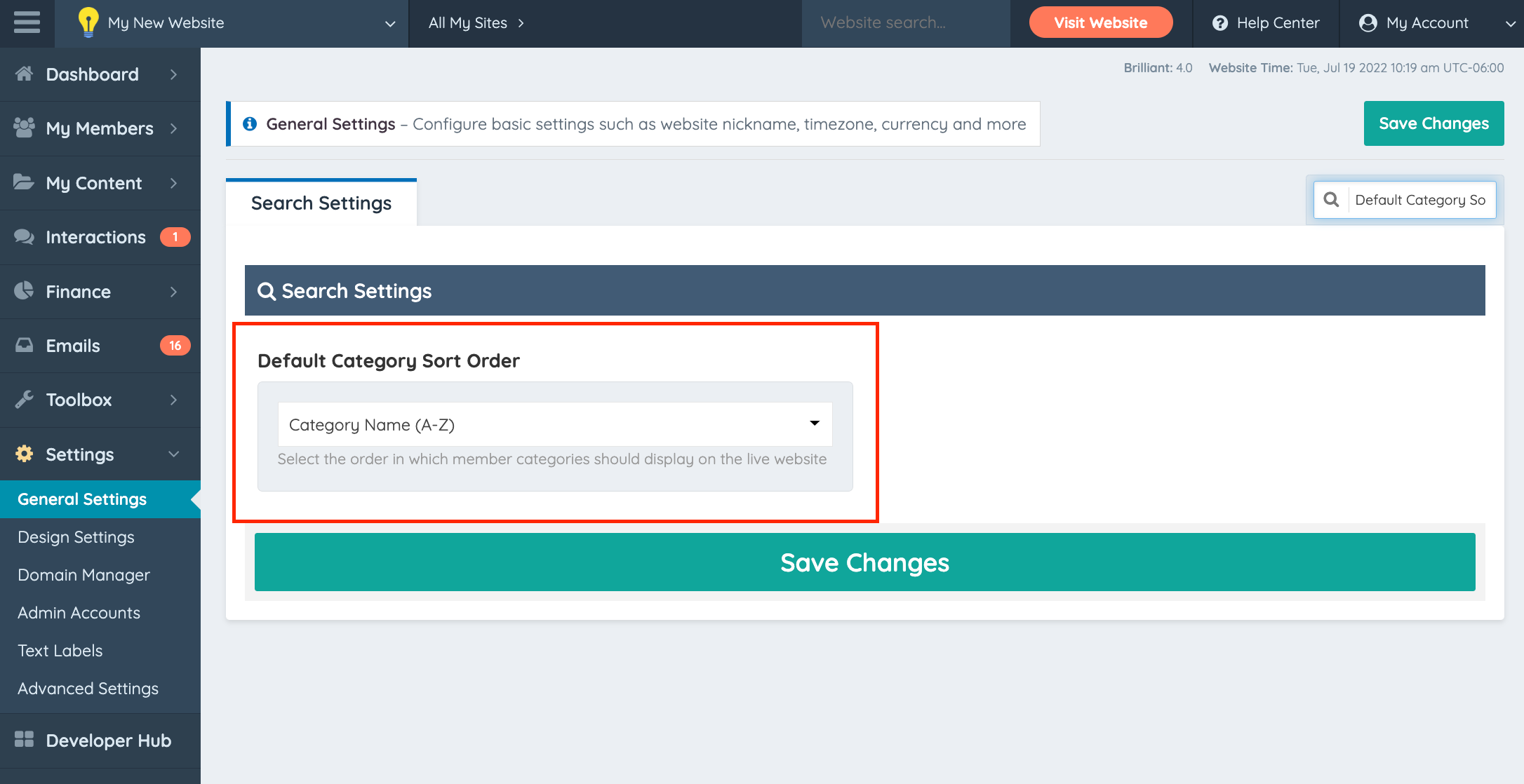
The categories returned by the function follow the Sort Order configured in the Member Categories section of the Admin Area.
Displaying a Sub-Category Under the Member Name
A common implementation replaces the top-level category that appears under the member's name on the member profile page. This is done by editing the Bootstrap Theme - Member Profile - Header widget and replacing the line that outputs $topCategory with a getMemberSubCategory() call, for example:
echo getMemberSubCategory($user['user_id'], "sub", "first", "all", "text") . "<br /></span>";
When this customization is in place, the Advanced Setting Hide Top-Level Category On Member Profile Page must be left OFF, which is its default.
That setting hides the profile-header element that holds the category text, and it is the same element the customization repurposes to hold the sub-category. With both applied at once, the sub-category is still generated into the page but is never displayed, leaving a blank space under the member's name. The widget edit alone is what removes the top-level category from the header, so the setting is not needed alongside it.
Sub-categories in member search results are controlled separately, by the Advanced Setting Show Sub-Categories In Member Search Results. That setting has no effect on the member profile page.
Additional Notes
The examples above demonstrate common implementations of the getMemberSubCategory() function. The arguments can be combined as needed to return different category levels, ordering, quantities, and output formats depending on the desired implementation.
