
Creating a Folder in Media Manager
Link: https://support.brilliantdirectories.com/support/solutions/articles/12000052779
Creating folders within the Media Manager keeps images organized by page or event. The process takes two steps.
1. Open My Content > Media Manager and click +New Folder.
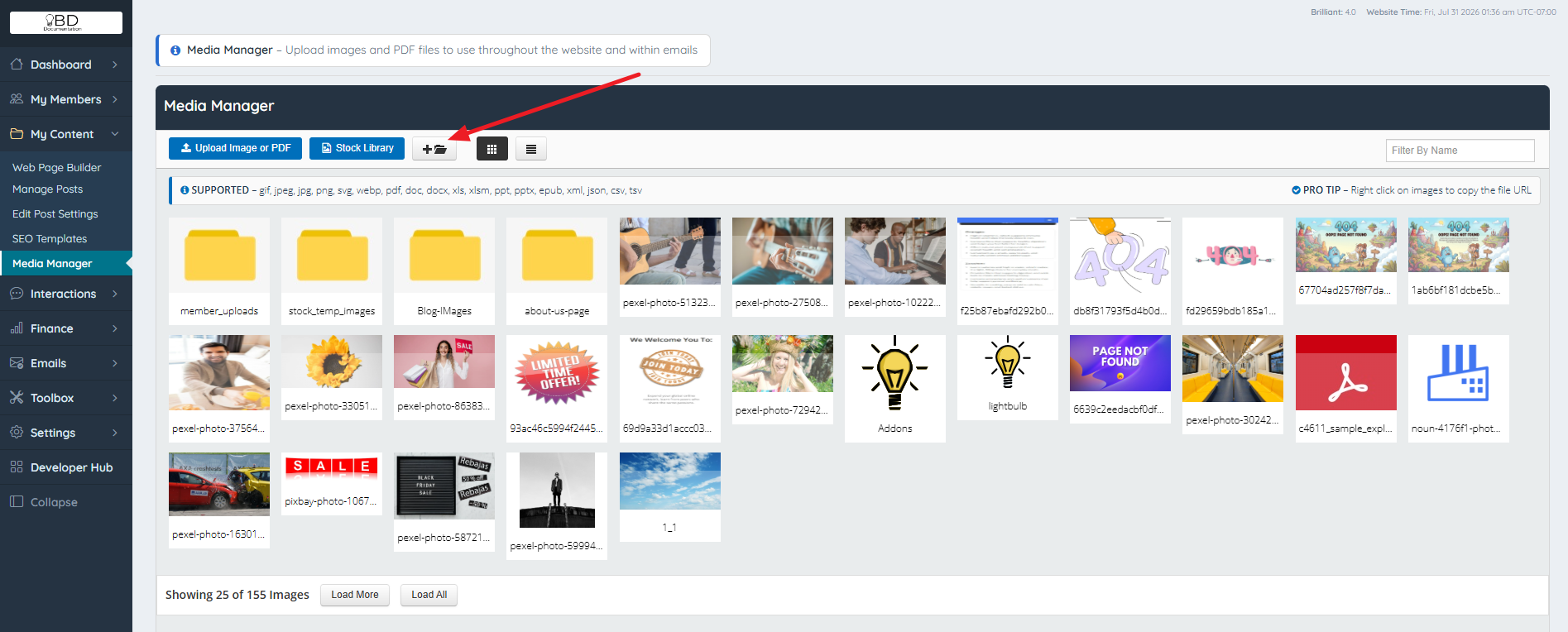
2. Enter a name in the Insert Folder Name field.

IMPORTANT: As a best practice, avoid spaces in folder or file names. Use dashes or underscores instead (for example, event-photos or event_photos) to prevent broken paths.

The folder is created immediately.

Uploading an image inside a folder follows the same process as uploading an image into the Media Manager.
Additional Information
