How to Clone a Menu
Link: https://support.brilliantdirectories.com/support/solutions/articles/12000077000
In this article, cloning or copying a menu is explained.
First, navigate to Toolbox >> Menu Manager.
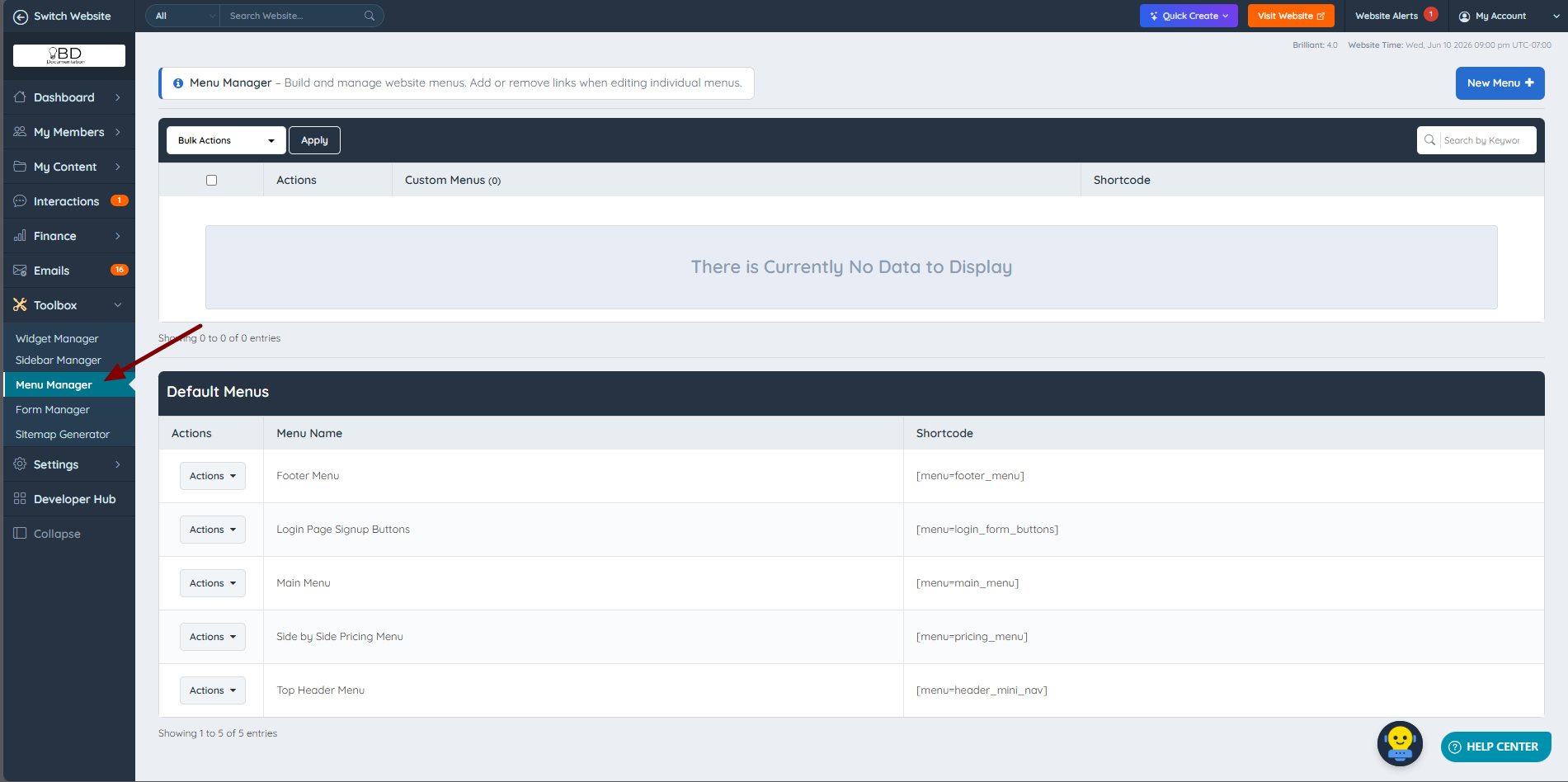
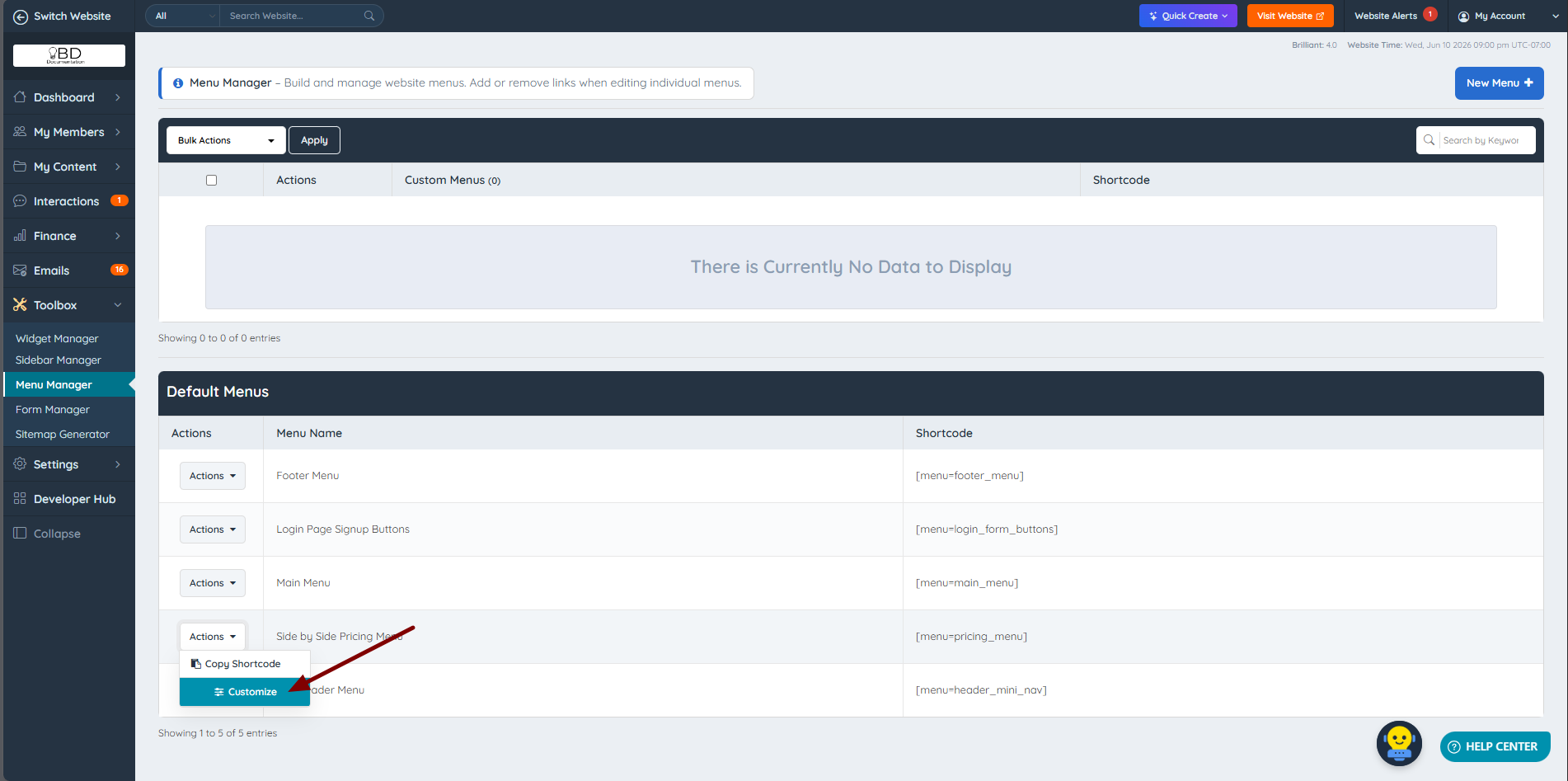
This area is divided into two sections: Custom Menus appear at the top, and Default Menus appear at the bottom. To clone a menu, a default menu must first be customized.
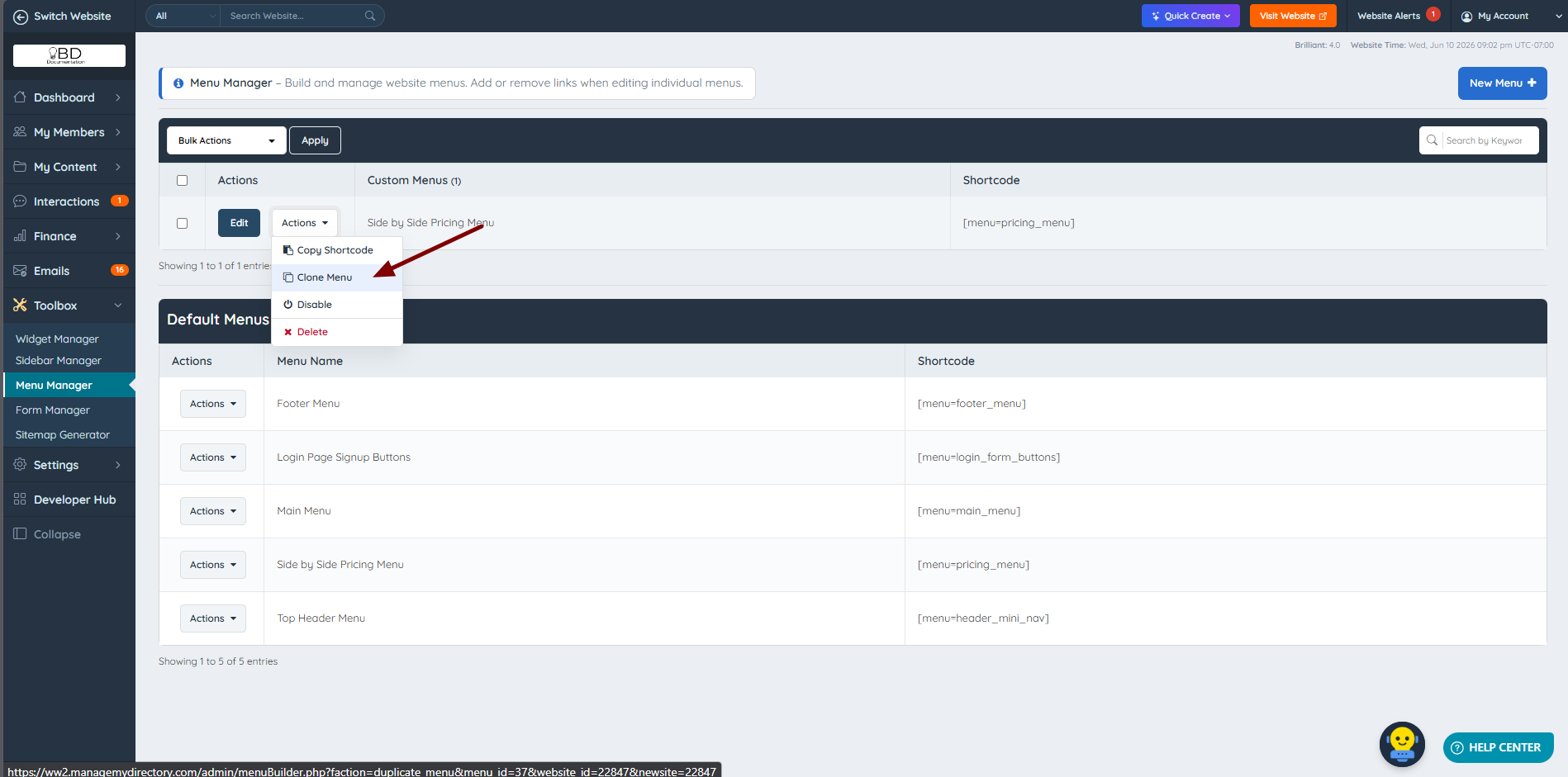
After a default menu is customized, it will appear in the Custom Menus section. To clone this newly customized menu, click Clone from the Actions dropdown.
A confirmation pop-up will appear.
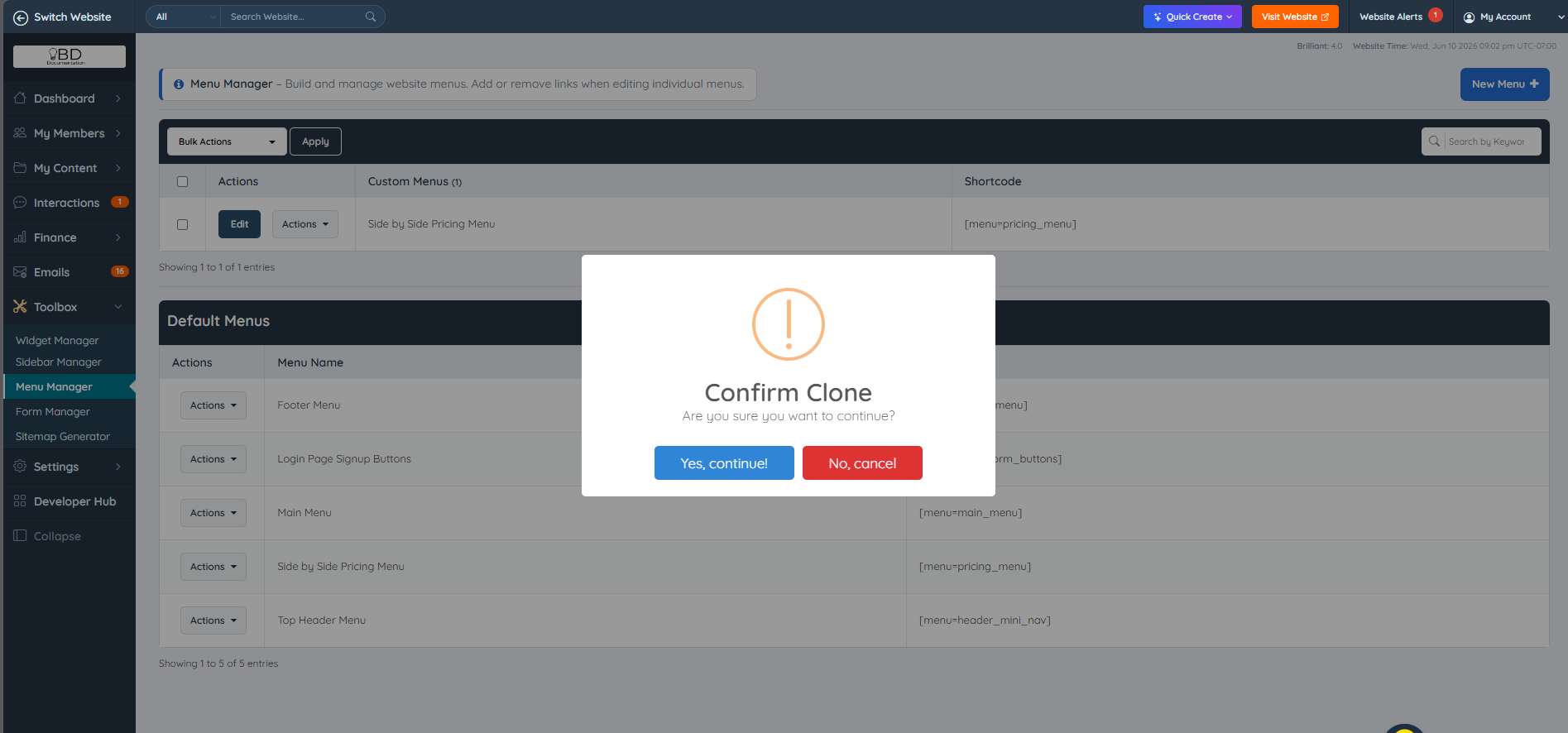
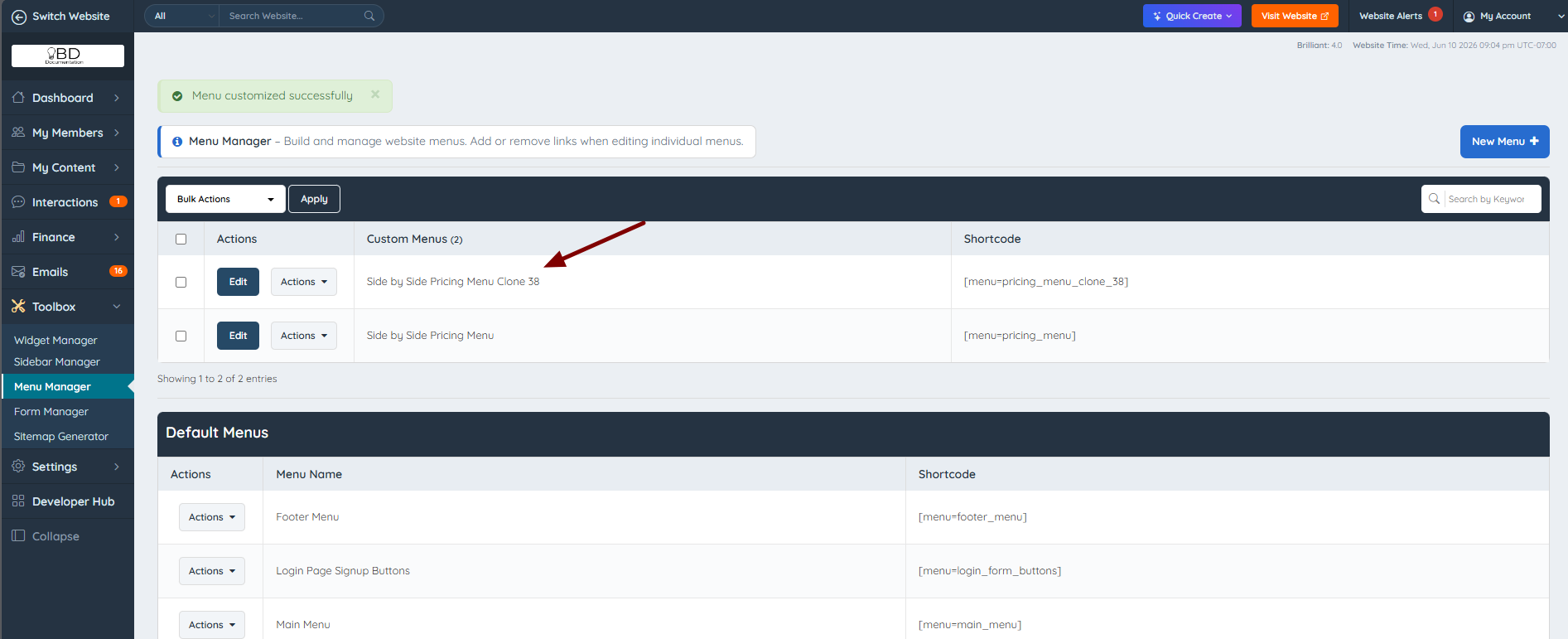
After confirmation, the newly cloned menu will appear in the Custom Menus section with a unique menu name and shortcode.