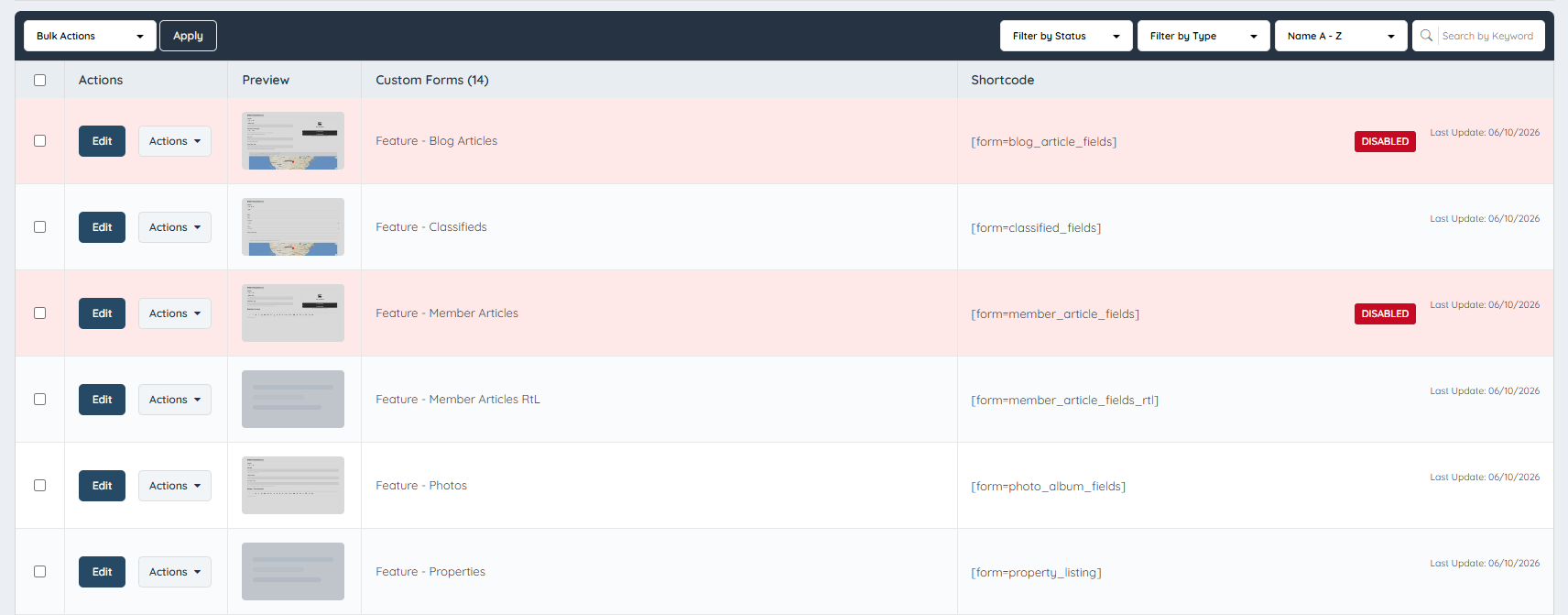
Bulk Action For Forms
Link: https://support.brilliantdirectories.com/support/solutions/articles/12000078793
A set of bulk actions is available for custom or brand-new forms under Toolbox >> Form Manager. These actions are not available for default forms.
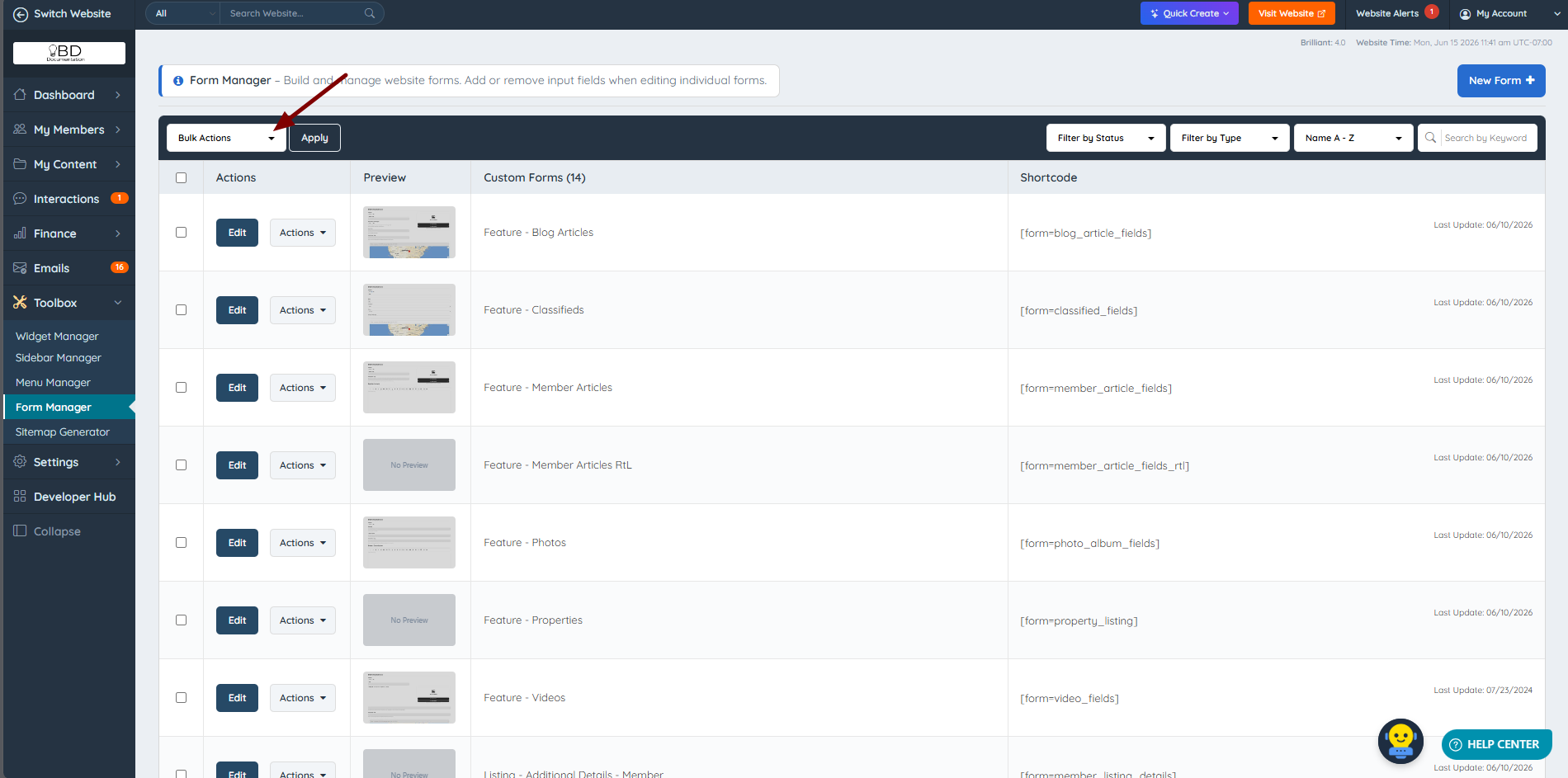
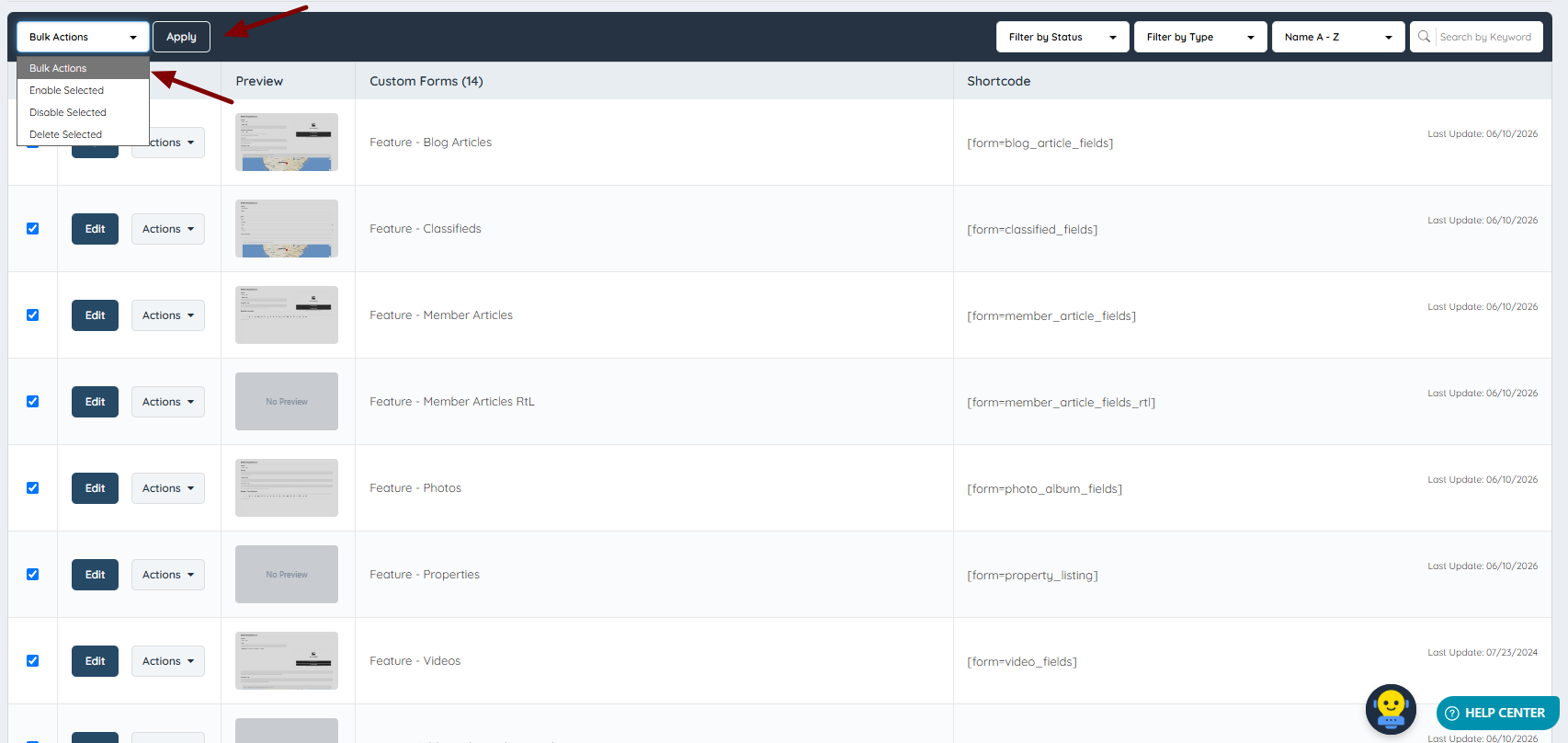
The available bulk actions are Delete, Enable, and Disable:
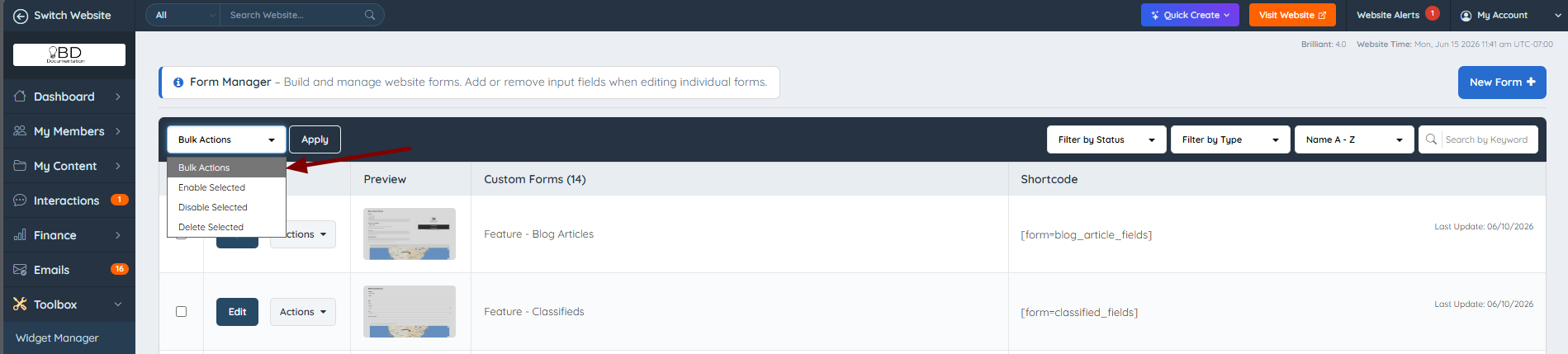
NOTE: Bulk Delete permanently removes the selected forms and cannot be undone. If the goal is to deactivate forms while keeping them available for future use, use Disable instead.
To perform a bulk action on forms:
1. Select all forms using the select-all checkbox shown below:
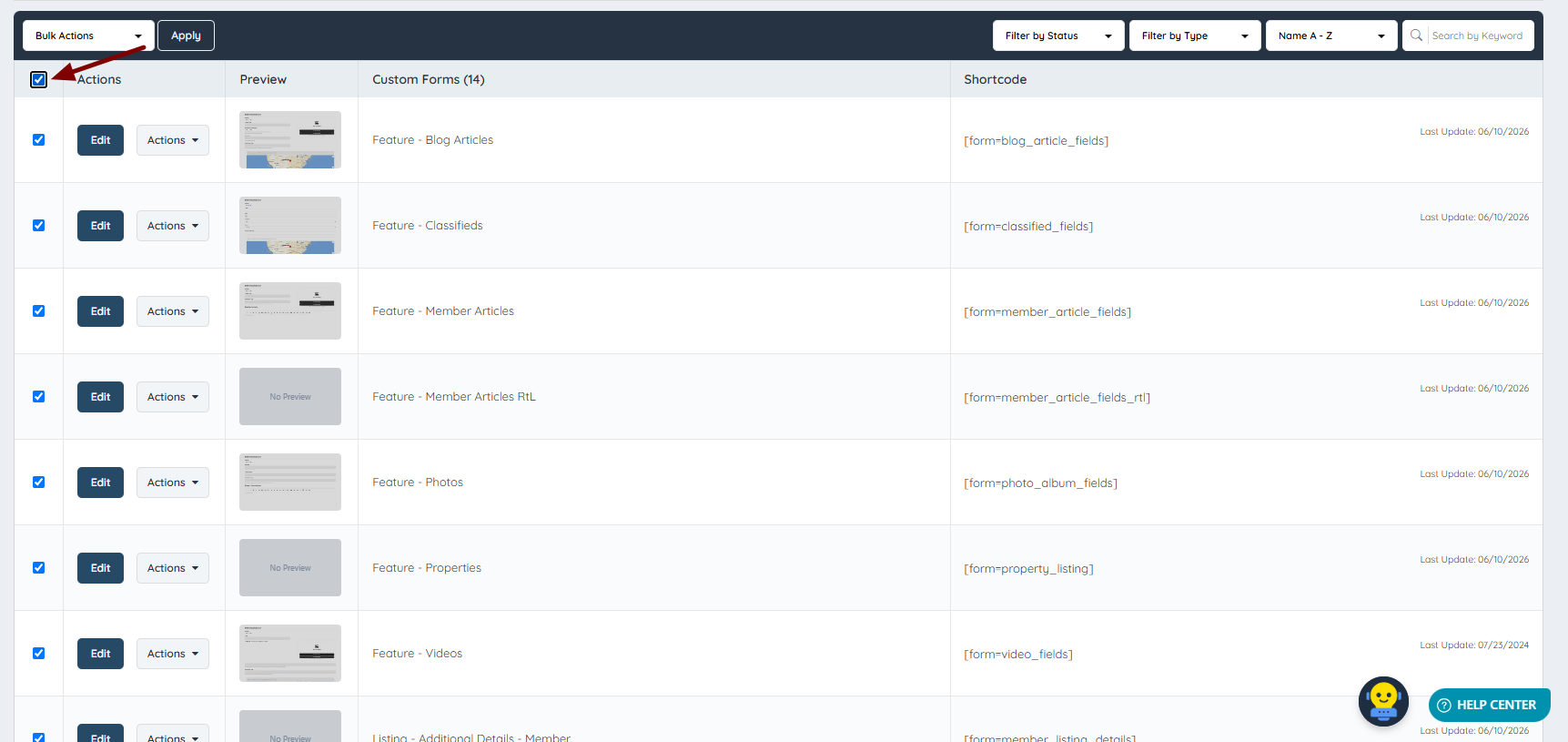
Or select the forms individually:
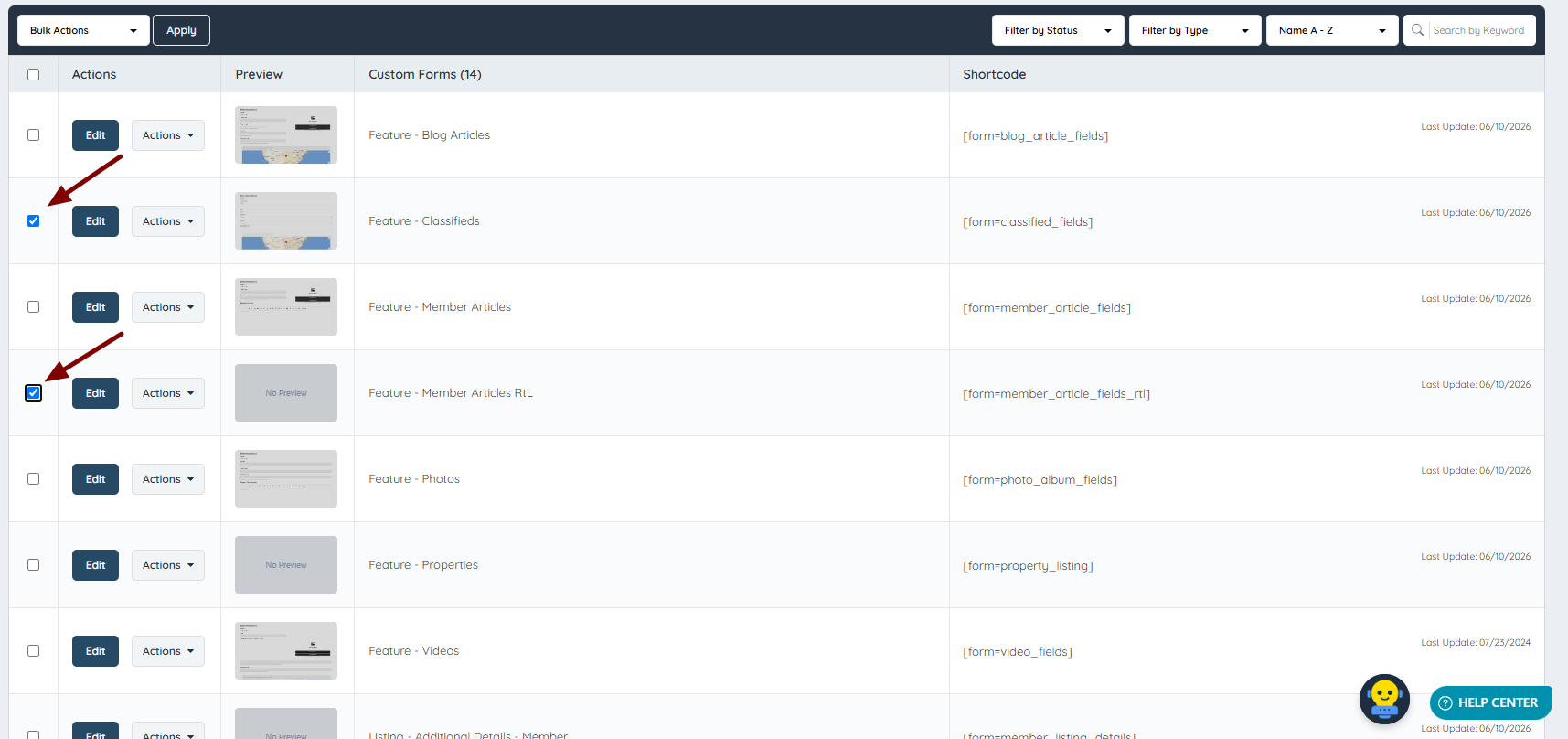
Then select one of the bulk actions available and click on Apply:
Once clicked, a confirmation pop-up will appear:
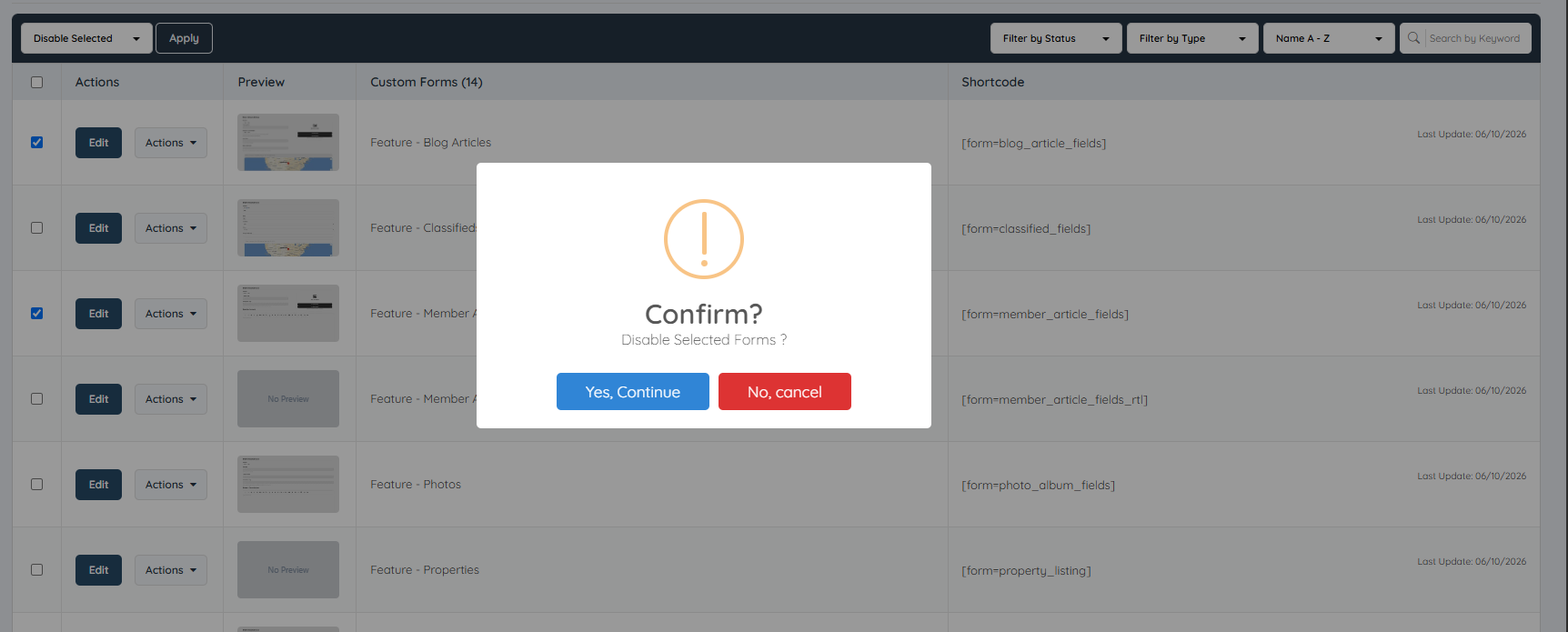
Once confirmed, selected bulk action will apply to the selected forms: