Members-Only Content
Link: https://support.brilliantdirectories.com/support/solutions/articles/5000682638
Distributing information online has never been easier. But with technology comes new challenges, such as protecting premium content or confidential information.
This add-on provides full control over who can access the website's content by requiring designated members to log in before they can view premium and protected content.
How To Get This Add-On
- Websites with the VIP Add-Ons Club automatically have this add-on available:
Join The VIP Add-Ons Club- Purchase Individually: Members-Only Content Add-On
Enabling the Add-On
Some websites find it beneficial to show the content of the directory only to other members of the directory. Once the add-on is active, there are three areas the admin can protect and set as members only:
- Web Pages / Protect Page
- Member Posts / Protect This Post Type?
- Member Listings / Members-Only Access (set per membership plan)
Each area is explained below.
Web Pages / Protect Page
A login is required to view the protected page.
- Go to My Content » Web Page Builder and click Edit on the page that should only be available to members.
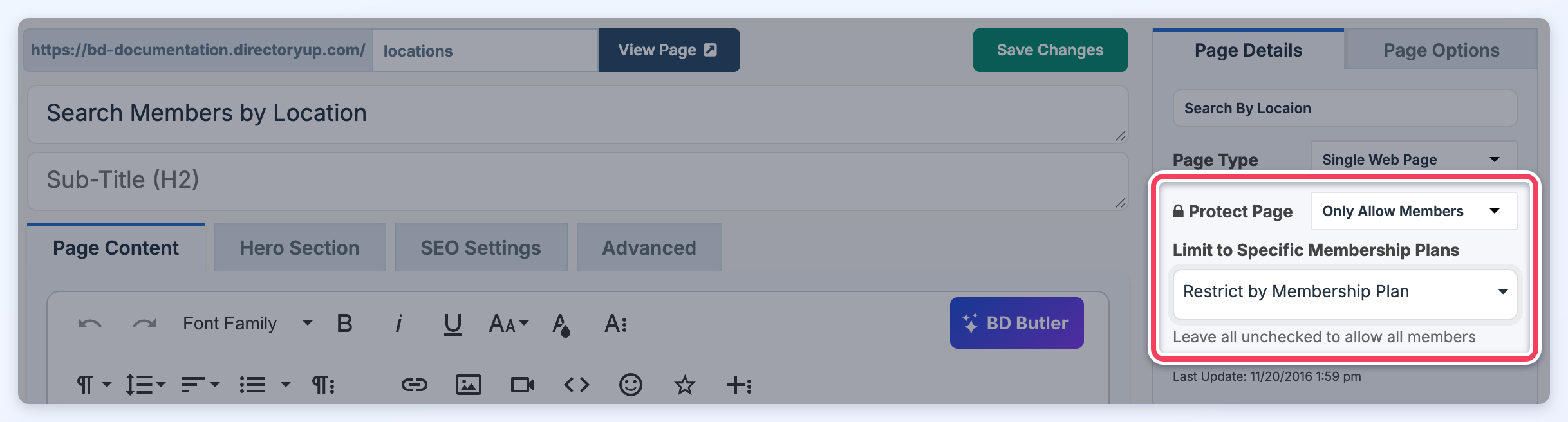
- In the Page Details tab on the right, set Protect Page to Only Allow Members.
- To allow only some membership plans, select them in Limit to Specific Membership Plans. Leaving all plans unchecked allows all members.
- Click Save Changes.
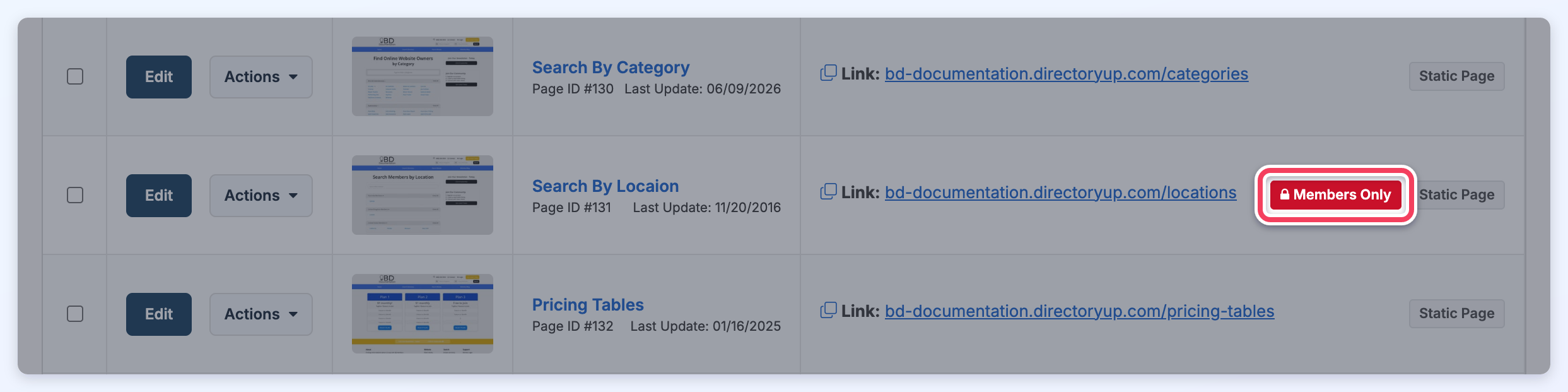
Pages that are already members only show a Members Only badge in the Web Page Builder list:
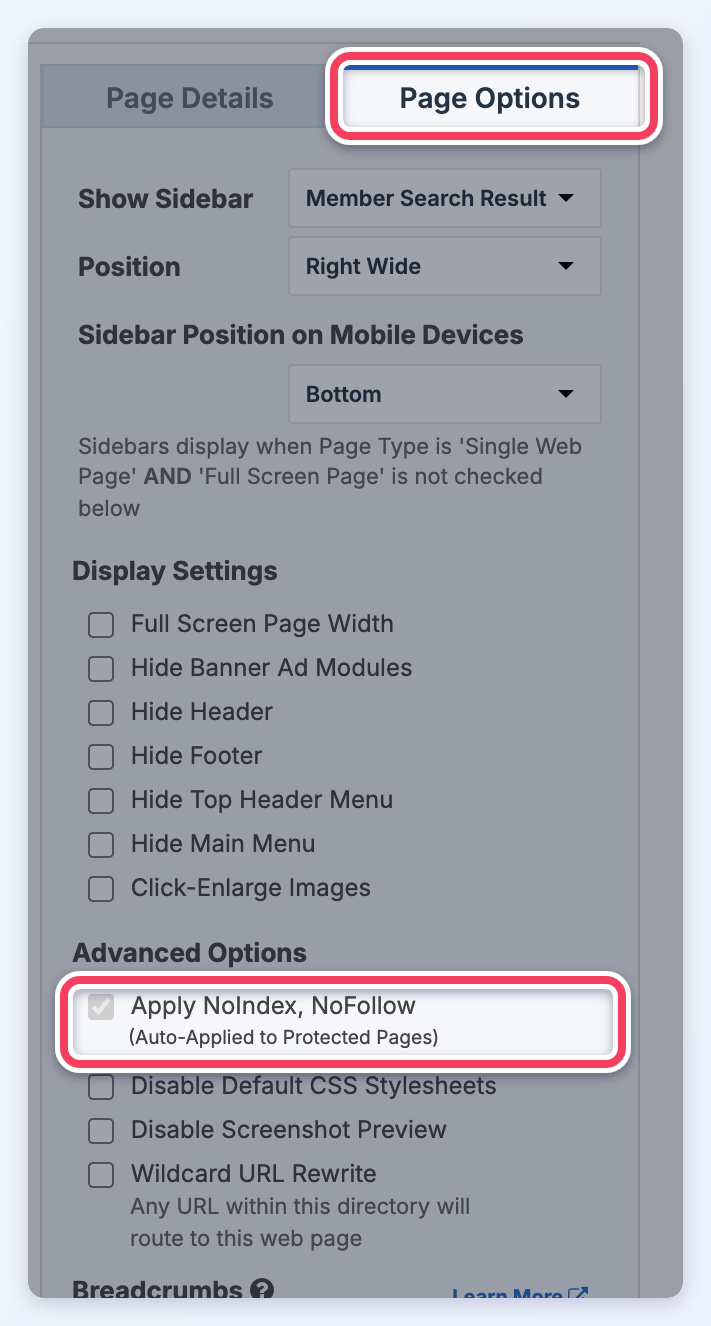
Important Note: When a page is protected, Apply NoIndex, NoFollow on the Page Options tab is checked automatically (Auto-Applied to Protected Pages), so search engines only crawl publicly available pages.
Member Posts / Protect This Post Type?
A login is required to view the protected posts.
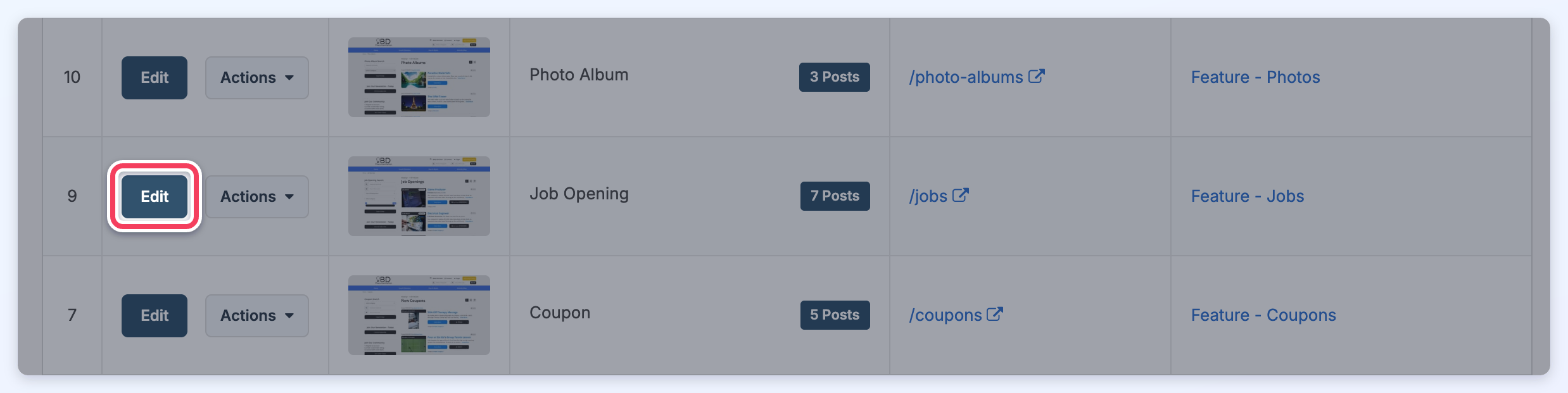
Go to My Content » Edit Post Settings and click Edit on the post type that should only be available to members:
On the General Settings tab, open Protect This Post Type? and check the options that fit the website, then click Save Changes:
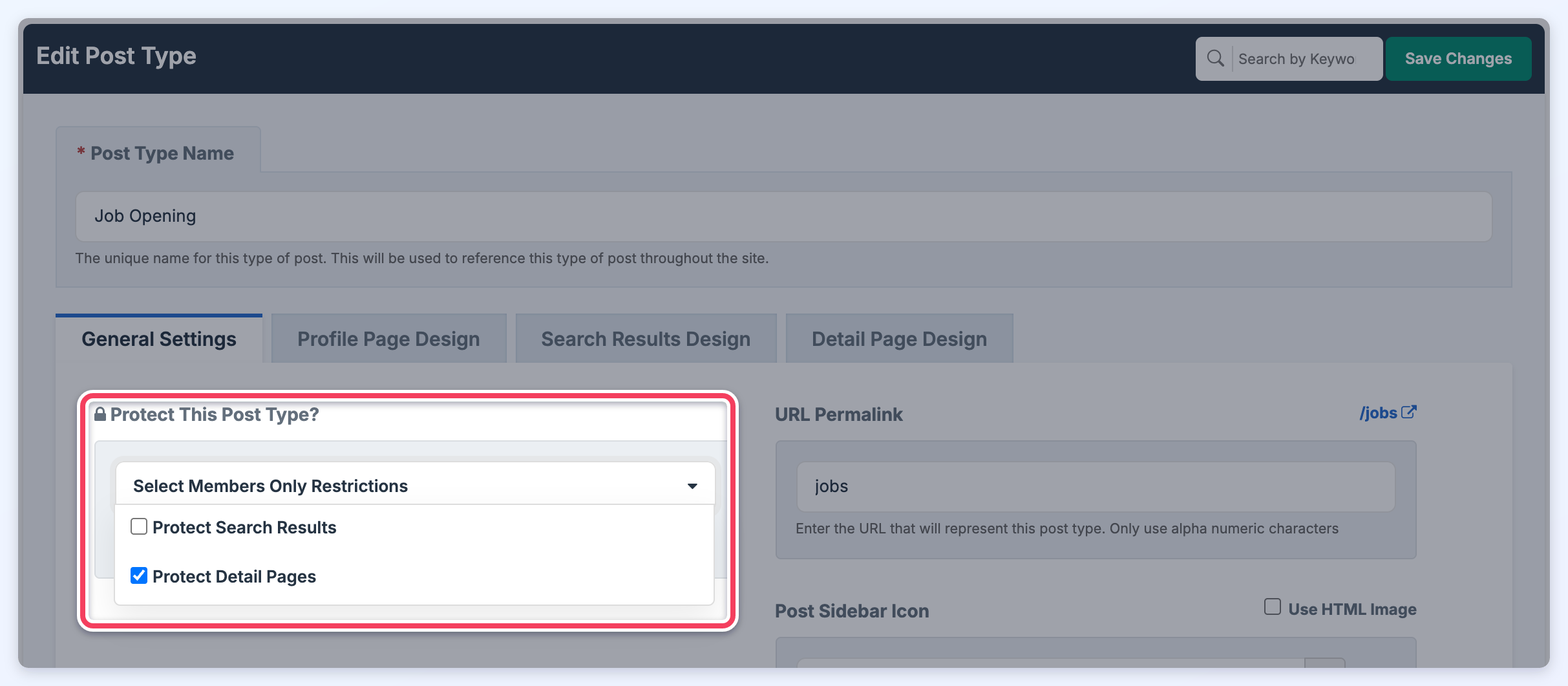
- No options checked - This is the default. The complete content is shown to everyone.
- Protect Search Results - Visitors who do not have access cannot see the post type's search results. The detail page of each post stays public.
- Protect Detail Pages - The search results and the posts on members' profiles stay visible, but opening a post shows the members-only message instead of the post unless the visitor has access.
- Checking both options protects both the search results and the detail pages.
Which members can view a protected post type is set per membership plan: as the note under the setting says, go to the Membership Plans page to set which members Can View these posts. The member who published a post can always view their own post while their account is active.
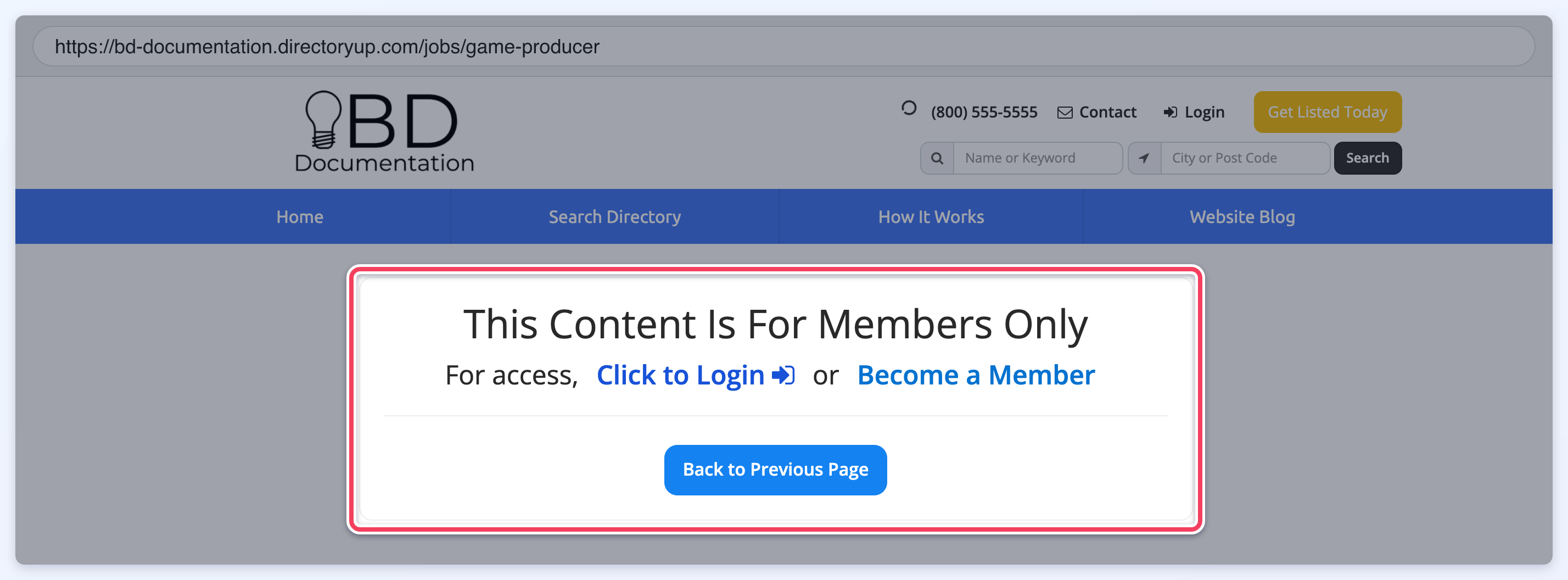
A visitor without access who opens a protected post sees this message instead of the post:
When a post or photo album is hidden from a visitor by Protect Detail Pages (a visitor who is not logged in, a member whose account is not active, or a member whose plan cannot view the post type), the page does not reveal the post in its page information either. The browser tab title, the page description and the preview shown when the link is shared on social media or in messages all use the generic members-only text ("This Content Is For Members Only" by default, followed by the website name in the tab title), and the share image is the website's default share image instead of the post's image. The page is also marked noindex, nofollow, so search engines do not index it. Members whose plan can view the post type, and the post's author while their account is active, see the normal page with the post's title, description and image.
The same applies to a post type's search results page hidden by Protect Search Results (on its own or together with Protect Detail Pages), for every post type, including photo albums, classifieds, products and properties, and whether or not the search has results. A visitor who gets the members-only message instead of the search results sees the generic members-only text as the browser tab title, the page description and the share preview, with the website's default share image, and the page is marked noindex, nofollow, so search engines do not index it. This also holds for the later pages of the results. Members whose plan can view the post type see the normal search results page with the post type's own title and description.
Important: The Member Listings post type only shows one option: Protect Search Results. To protect the rest of the member listing pages, use the Members-Only Access settings in Membership Plans, explained in the next section.
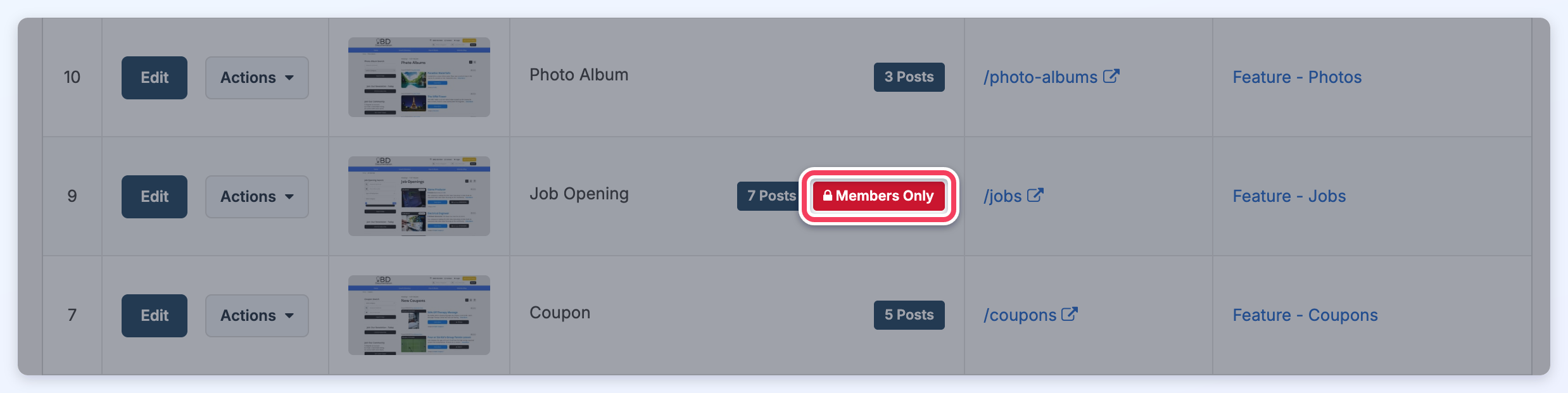
When a post type is set to members only, it shows a Members Only badge in the post types list:
Member Listings / Profile Page / Contact Page / Review Page
The members-only settings for member listings are set per membership plan. To find them, go to:
Finance » Membership Plans » Edit (on the plan to set up) » Search Visibility » Members-Only Access
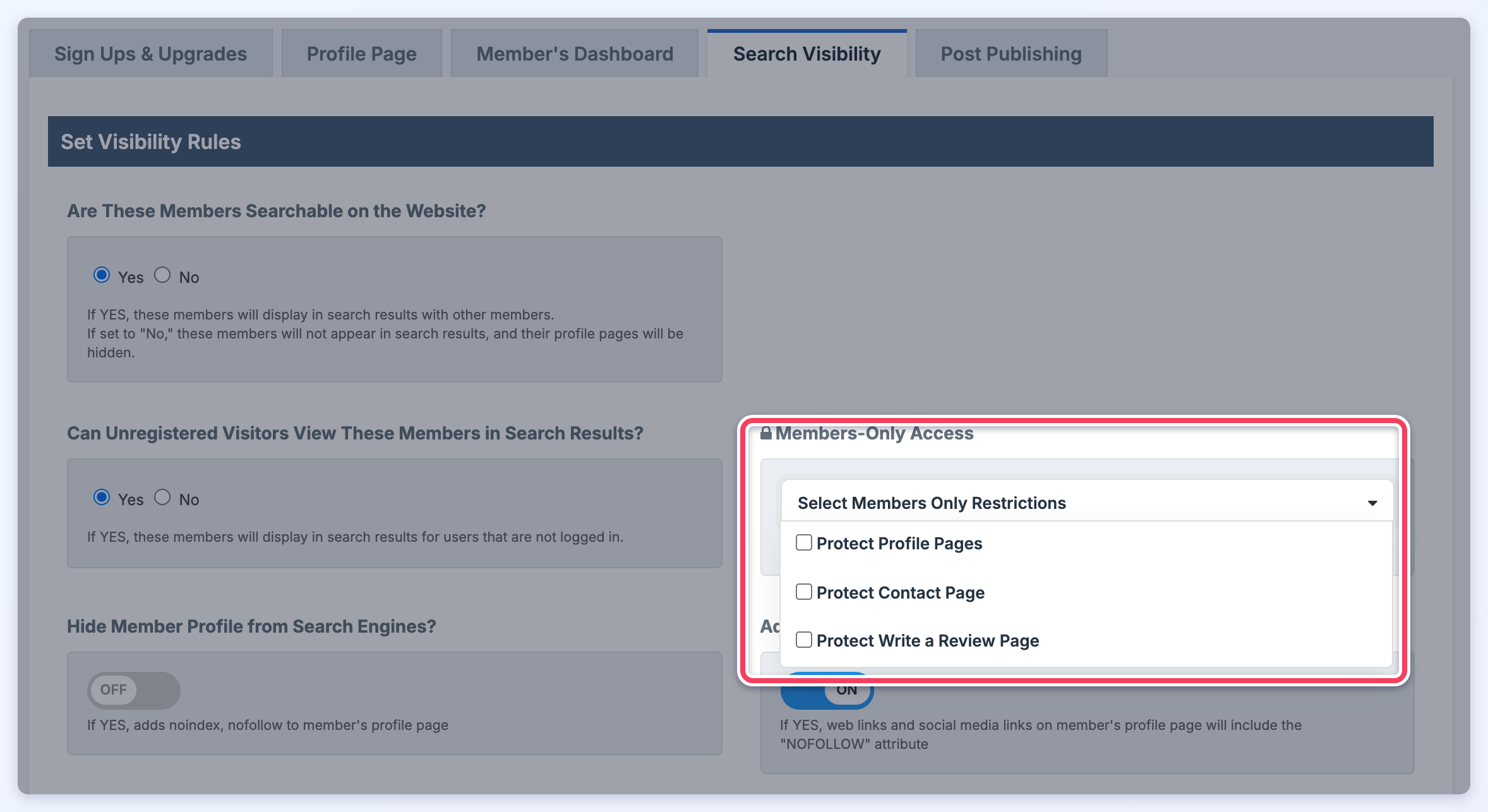
- Protect Profile Pages - The members still show in search results, but visitors who are not logged in cannot see their profile pages.
- Protect Contact Page - The members' contact page becomes members only: visitors need to be logged in to contact these members through the website.
- Protect Write a Review Page - The page for submitting a review on these members' profiles becomes members only.
Note: If the profile pages are protected but the search results are available to visitors who are not logged in, the See Phone Number button is also hidden from the search results for members of that plan, to protect their information on that page as well. In this example, the second member's plan protects profile pages:
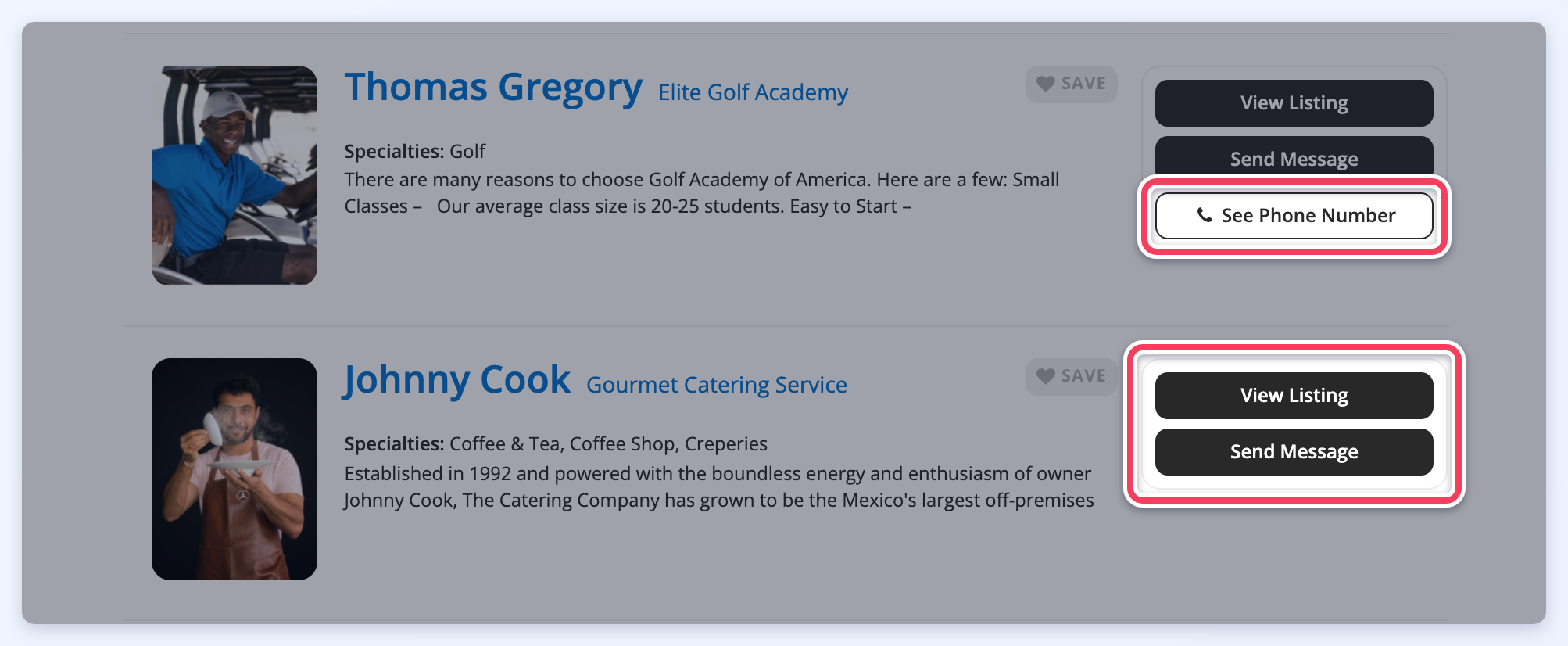
The phone number is also hidden from search results pages for Inactive or Past Due members.
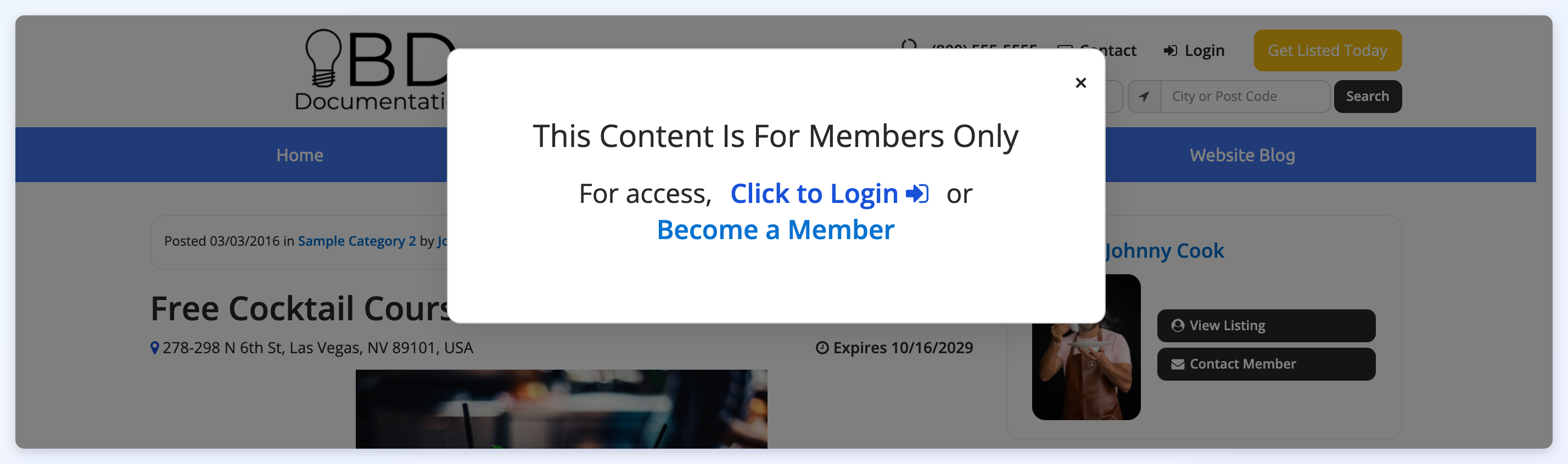
If the contact page is protected for a member, a visitor who is not logged in and clicks Contact Member on one of that member's posts sees this message:
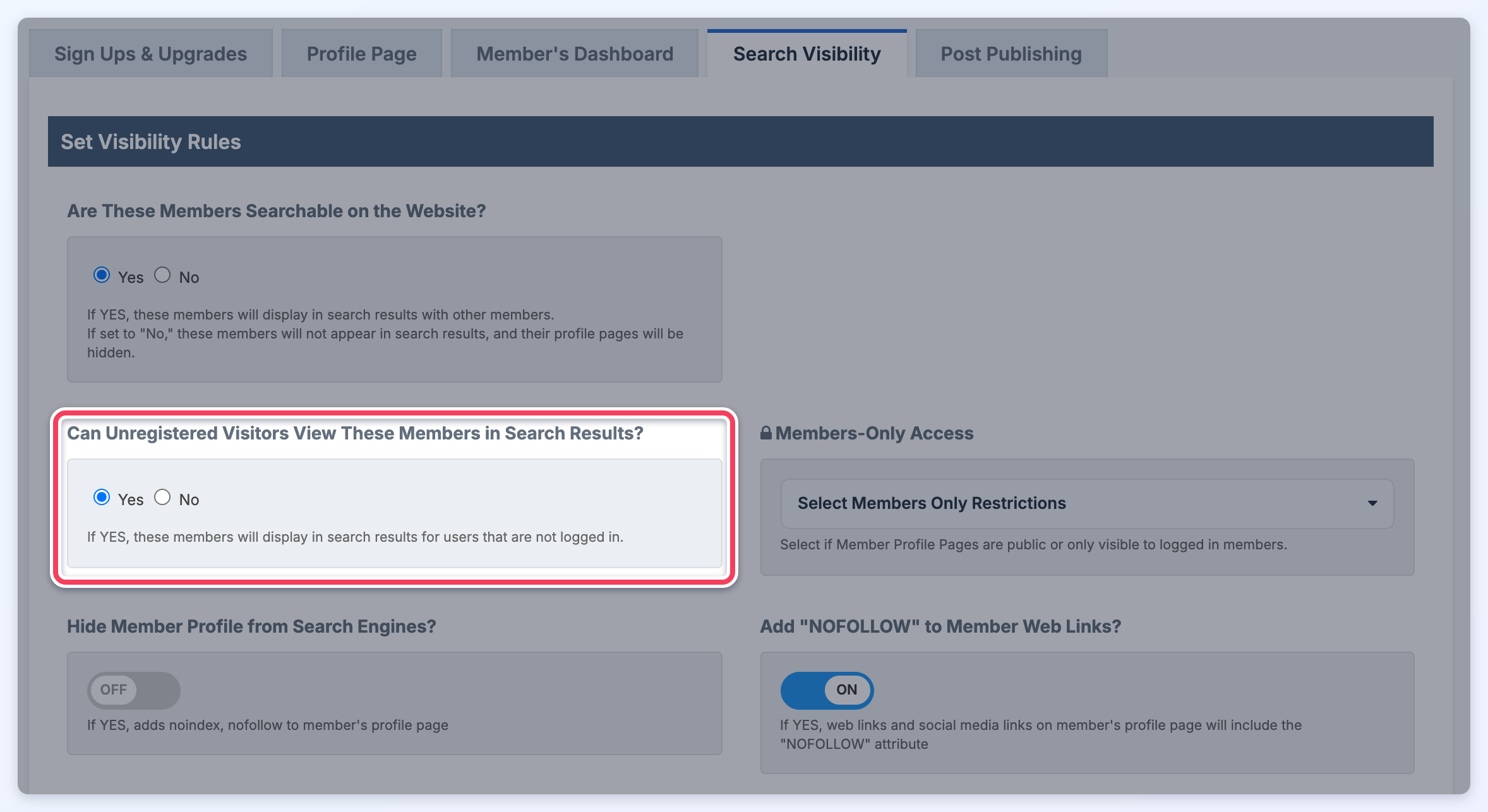
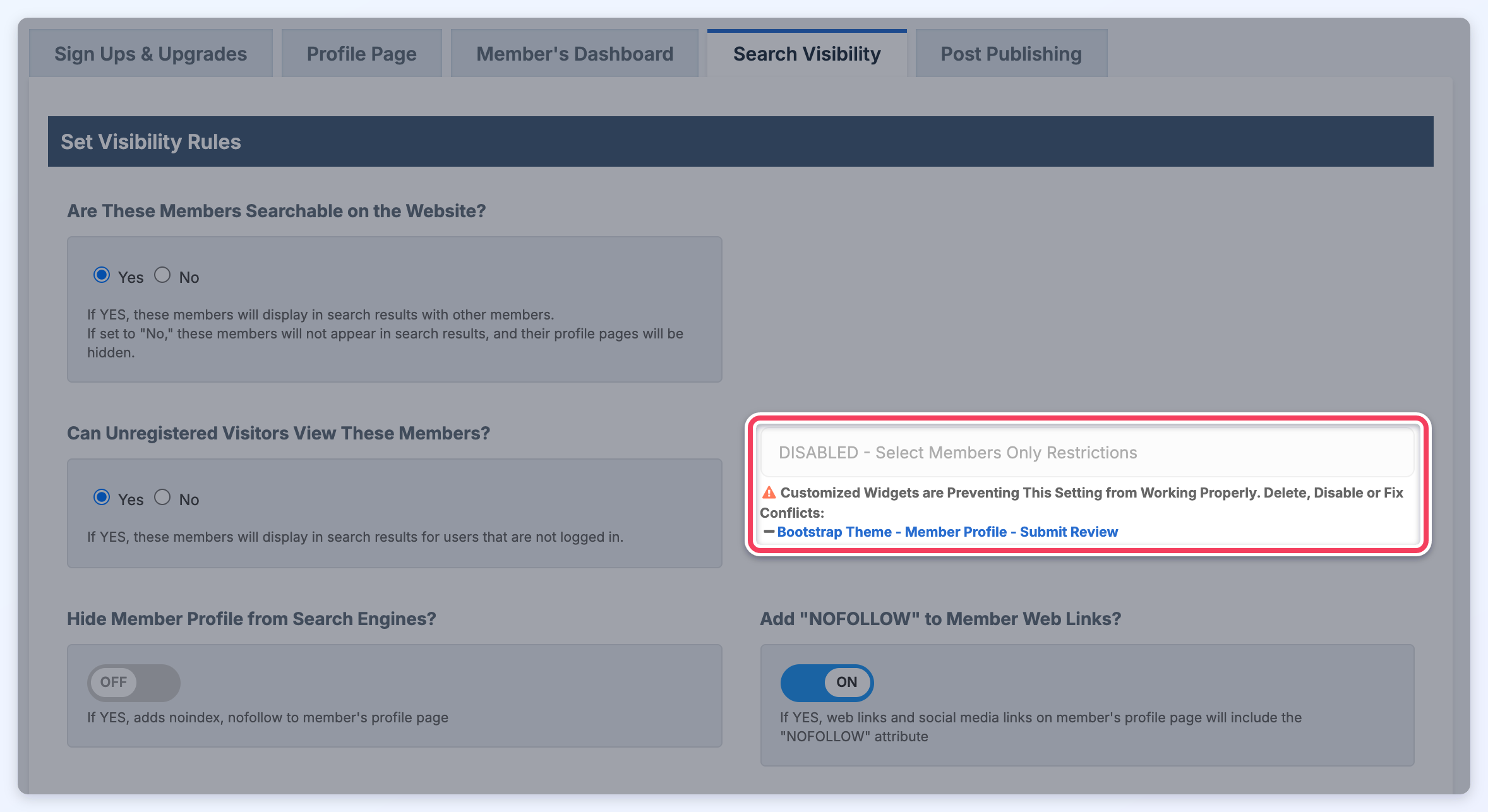
Important: The plan setting Can Unregistered Visitors View These Members in Search Results? overrides the settings above:
If a custom widget prevents the Members-Only Access setting from working properly, the setting is disabled and the names of the custom widgets causing the conflict are listed below it:
What Visitors and Members See
A visitor who is not logged in and goes to a members-only page or post sees the This Content Is For Members Only message shown above, with links to log in or become a member. A logged-in member whose plan does not include access sees This Content Is For Upgraded Members, with a link to upgrade.
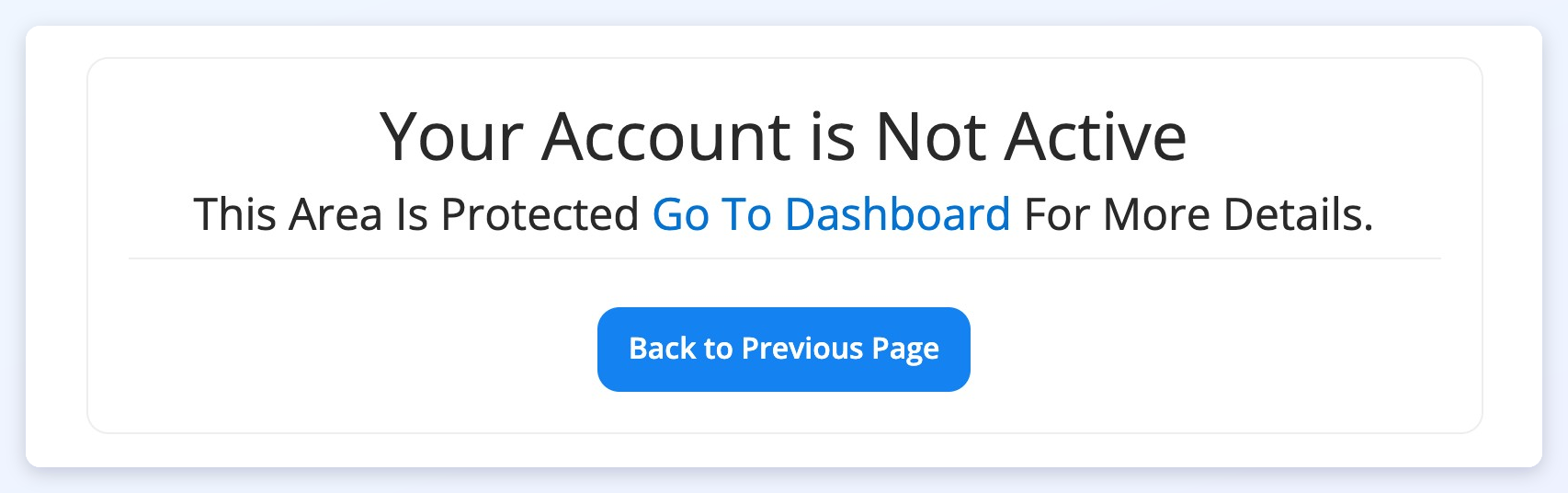
If the member is registered but their account is not active, this message is shown instead: