
What Happens When a Member Accepts or Purchases a Lead?
Link: https://support.brilliantdirectories.com/support/solutions/articles/12000007988
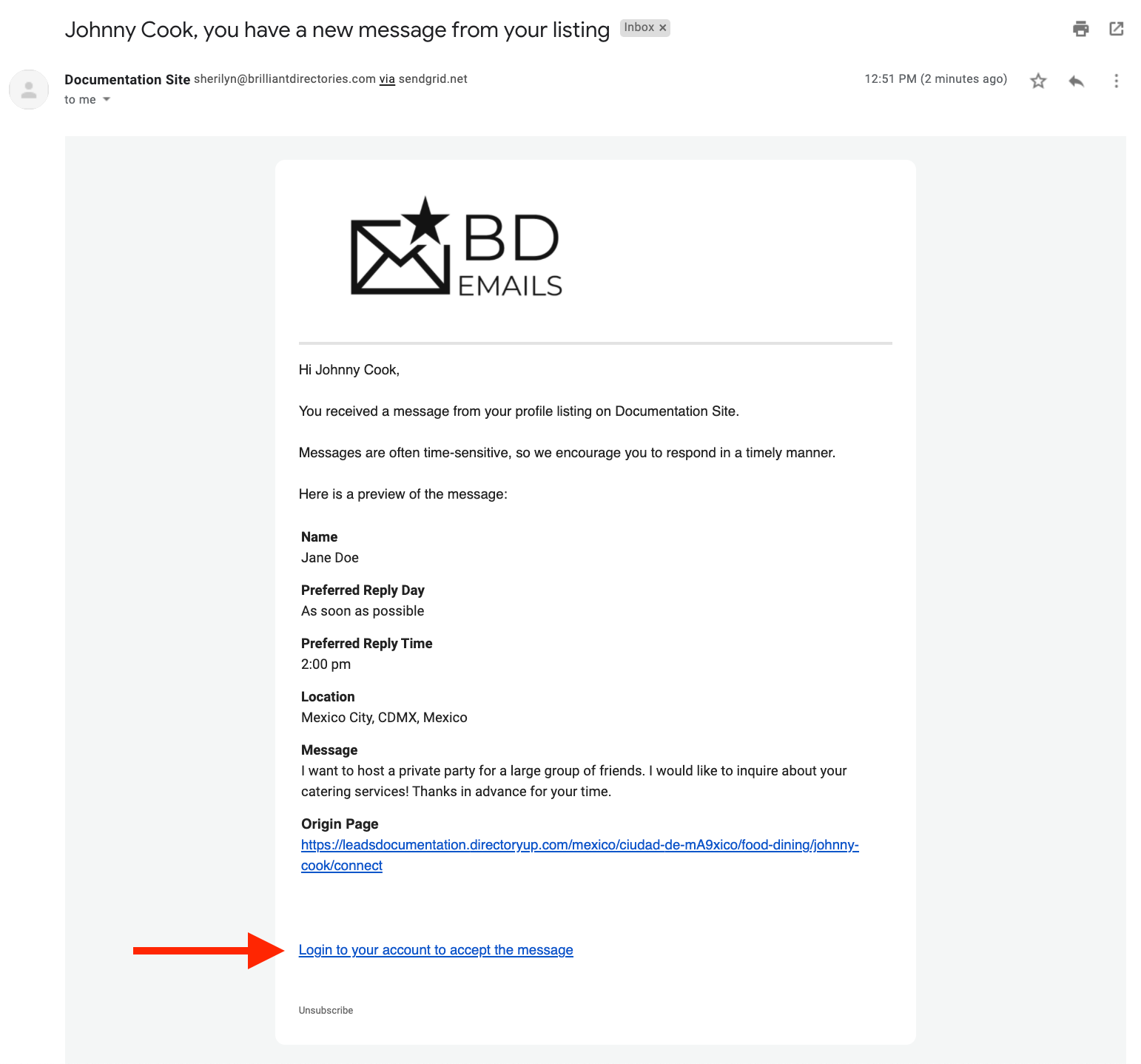
When a lead is submitted through the website, members receive a lead notification email containing a preview of the inquiry. The lead's contact information is hidden until the member accepts or purchases the lead, depending on the website's lead settings.
The notification email includes an "Accept Lead" link that automatically logs the member into their account and directs them to the lead details page.
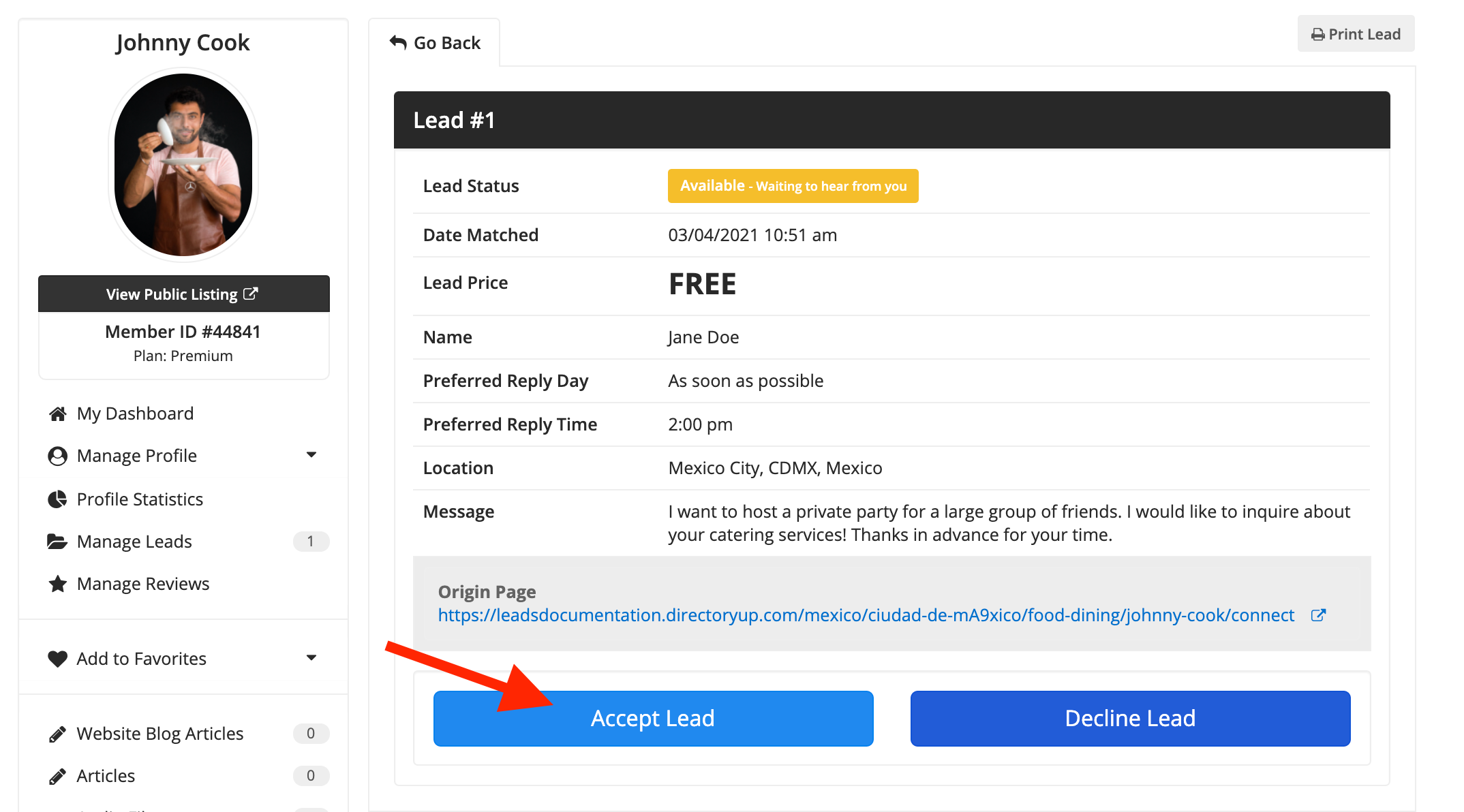
For free leads, members can click the Accept button to instantly reveal the lead's contact information, including the email address and phone number.
When a member accepts a lead, the site administrator receives a notification. This provides an opportunity to follow up with the member, confirm they were able to access the lead successfully, and discuss any available membership upgrades or premium features.
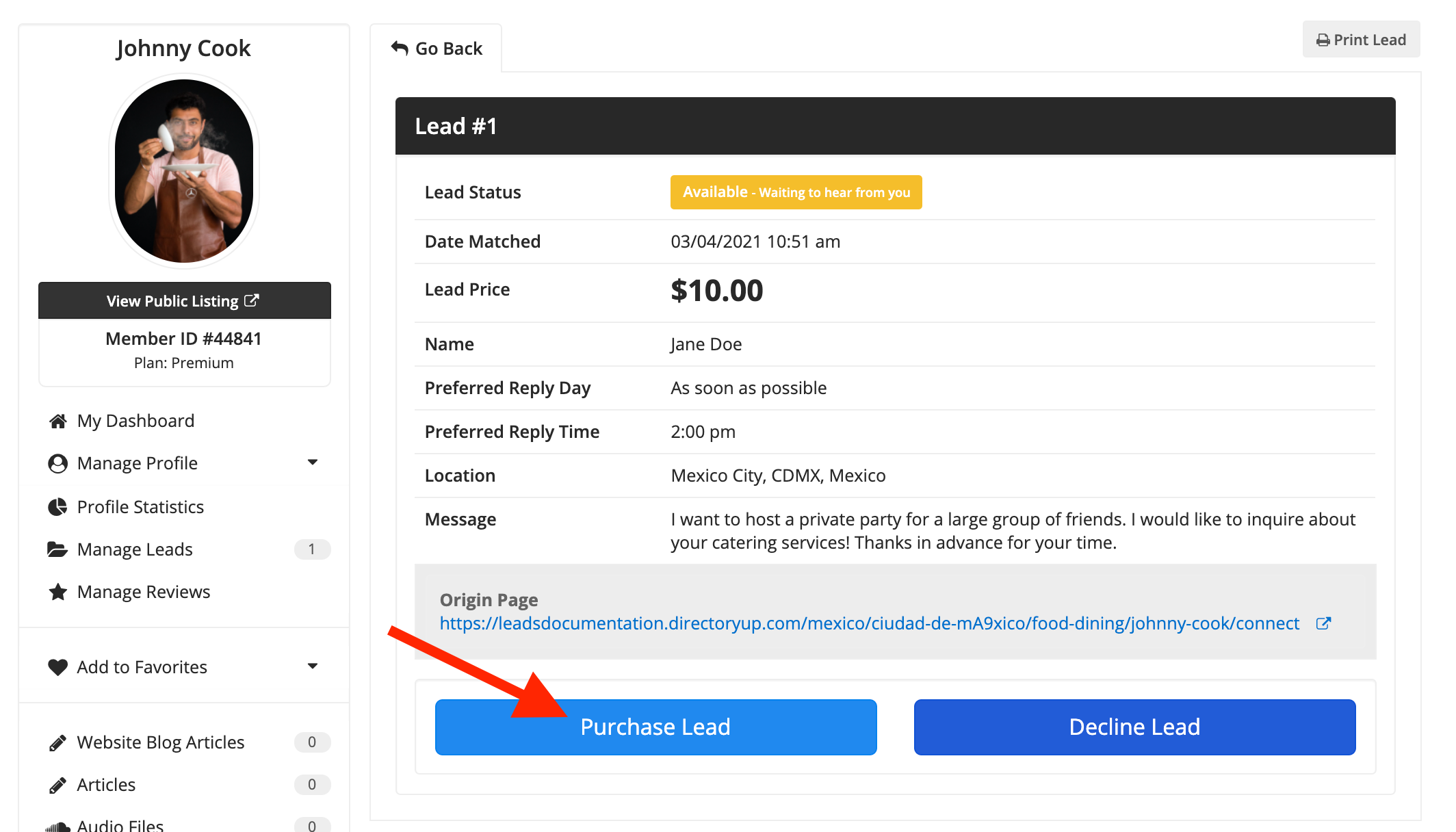
For paid leads, members are prompted to purchase the lead from their Member Dashboard before accessing the contact information.
Once payment is completed successfully, the lead's email address and phone number become immediately available, allowing the member to contact the lead directly.
The site administrator is also notified when a lead purchase is completed.
Related Articles:
