Using CSS to Target Featured Posts
Link: https://support.brilliantdirectories.com/support/solutions/articles/12000101382
Previously, customizing the appearance of Pinned Featured Posts required modifying PHP in specific widgets.
Brilliant Directories now adds a dedicated CSS class to featured posts, making it much easier to customize their appearance using CSS instead of PHP.
This article demonstrates how to target featured posts with CSS and provides an example of how to customize their appearance.
CSS Classes for Featured Posts
Each featured post includes a CSS class that can be targeted based on its post type.
The following examples show two different post types and their corresponding CSS classes:
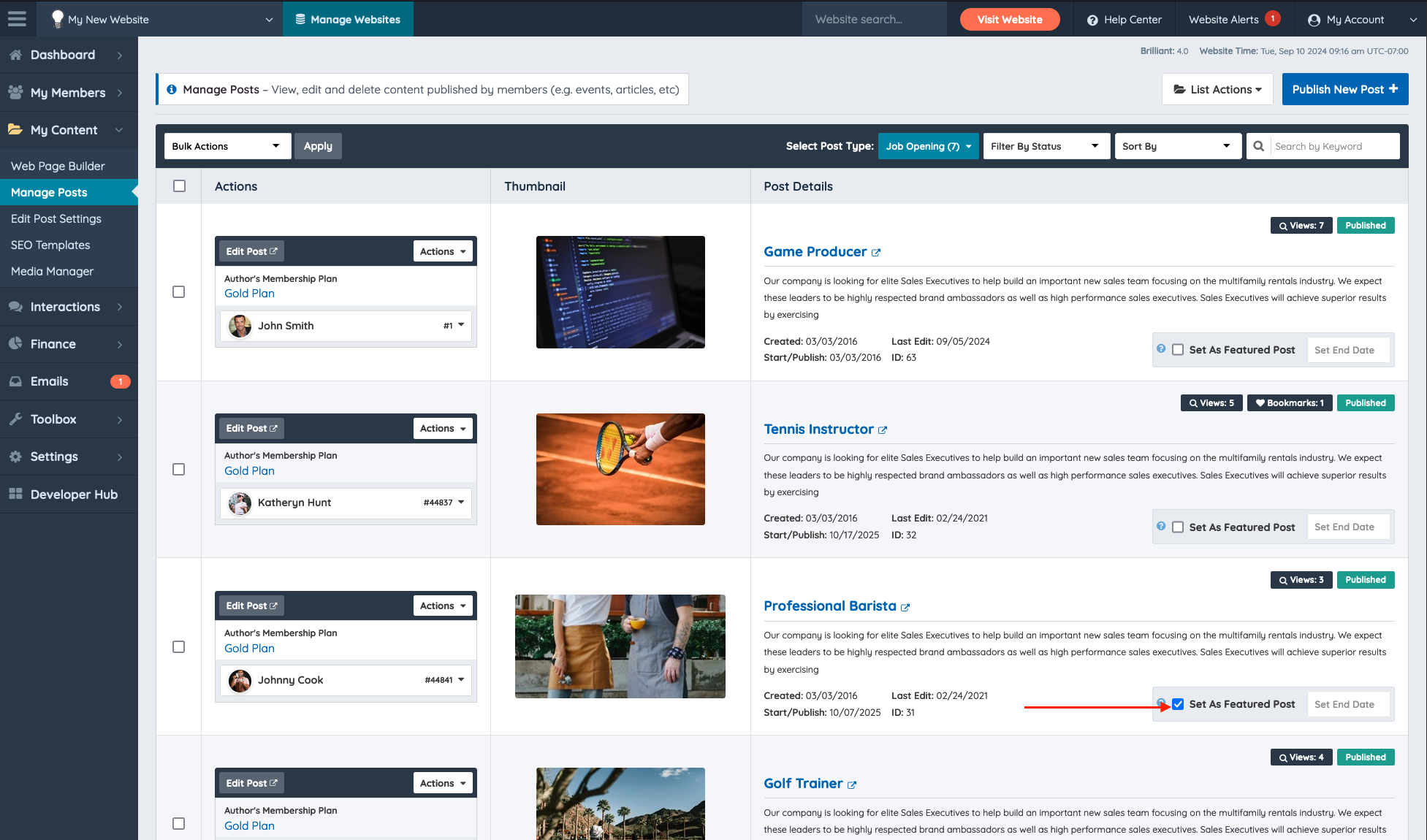
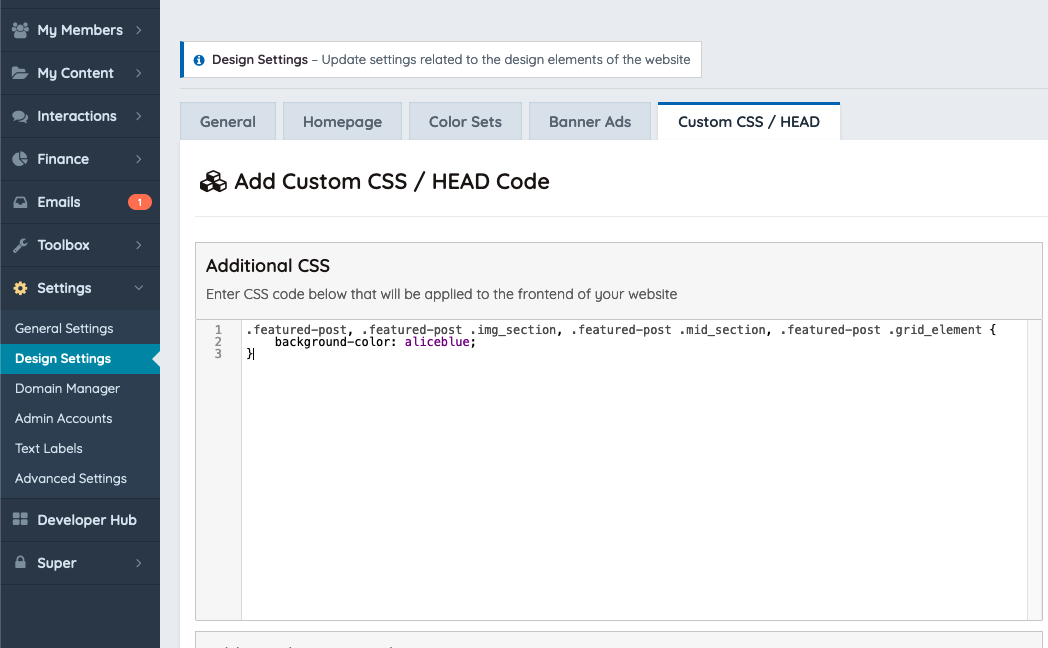
https://bootstrap.brilliantdirectories.com/support/solutions/articles/12000051517-pin-featured-posts In this example will change the Background Color of the post on the search results page with the CSS code below:
.featured-post, .featured-post .img_section, .featured-post .mid_section, .featured-post .grid_element {
    background-color: aliceblue;
}
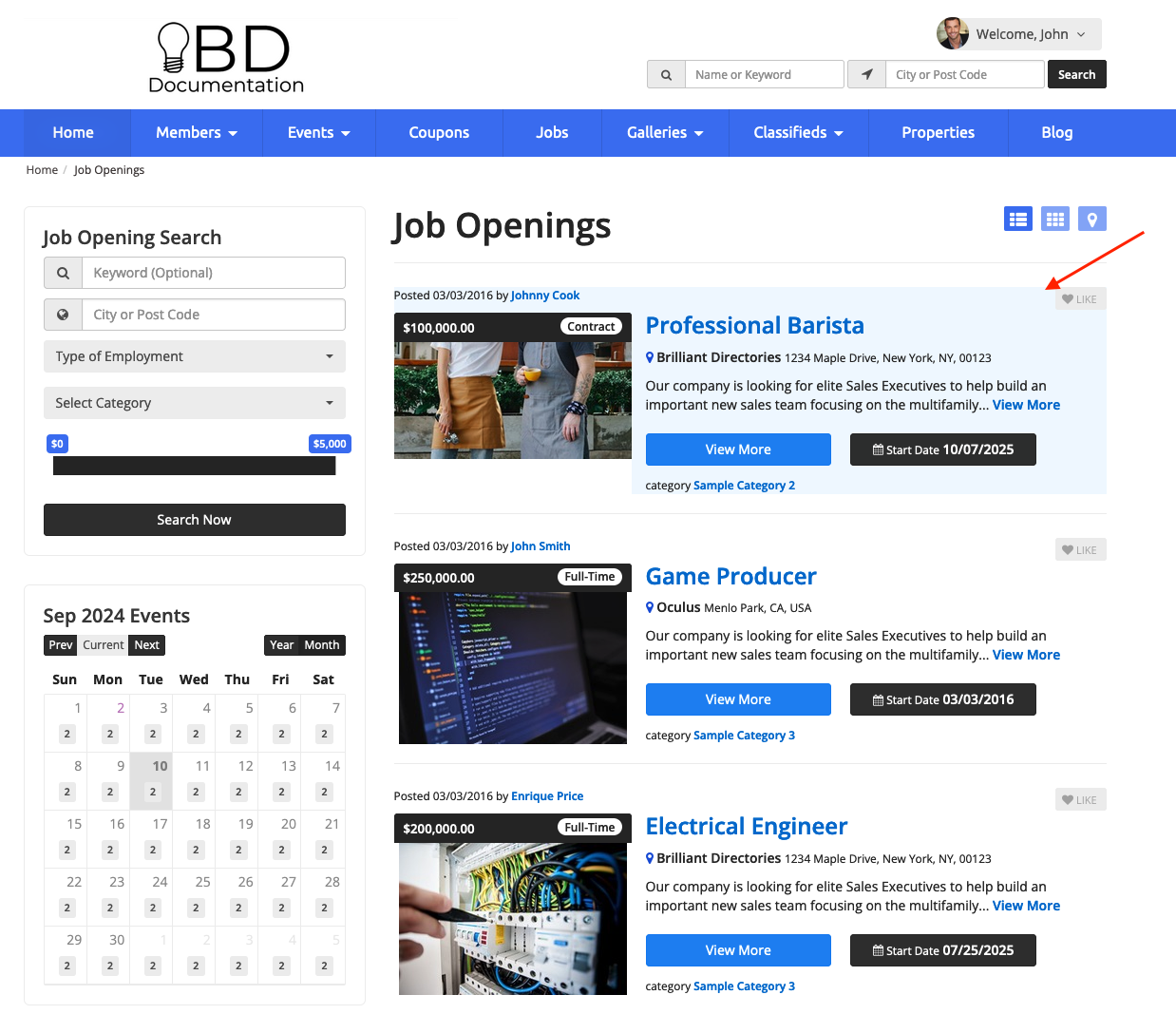
After saving the changes, featured posts will display with the new background color on the search results page.