
Top Sidebar Widgets
Link: https://support.brilliantdirectories.com/support/solutions/articles/12000103064
This article highlights the top sidebar widgets frequently used across various site pages, including profile pages, search results, and post pages. It is designed to help site admins select the best widgets to enhance page sidebars and improve user experience.
While it doesn't include every widget option available, it focuses on the most popular and effective choices.
Adding Widgets to a Sidebar
To search for and add widgets to sidebars:
- Go to Toolbox
- Select Sidebar Manager
- Find the desired sidebar and click "Edit"
- Search for the widget
- Drag and drop it into the sidebar
- Save
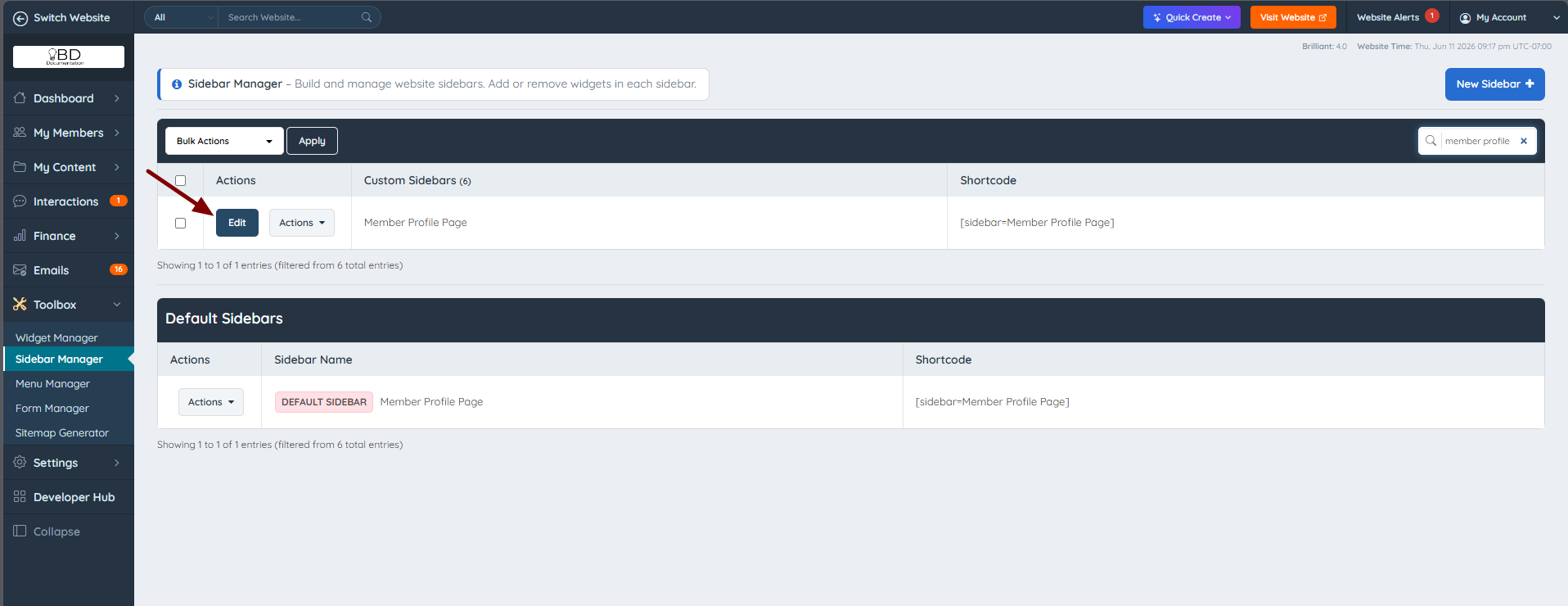

Throughout this article, each widget is listed with its reference in the format [widget=...]. This is the widget's name — search for it in the Sidebar Manager to find and add it.
More information:
- Sidebar Alignment:Design Settings » Sidebar Alignment Options
- Sidebar Manager Overview: Toolbox » Sidebar Manager
- How to Create a Sidebar
Universal Sidebar Widgets
These widgets can be added to any page and will retain their intended functionality.
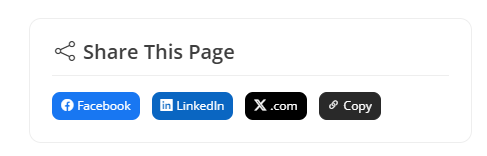
Share this Page
Displays social sharing buttons for the current page.
[widget=Bootstrap Theme - Module - Social Share]
Join Our Community
Invites users to get listed on the site.
[widget=Bootstrap Theme - Module - Member Join Offer]

Join Newsletter
Allows members and users to join the site's newsletter.
[widget=Bootstrap Theme - Module - Newsletter Sign Up Form]

Sidebar Videos & Text Boxes
Enhance the website sidebars with videos and custom text boxes to showcase important content, promotions, or helpful resources.
Video
Add videos to sidebars by creating a new widget and inserting the embed code: How to Add a Video in a Sidebar
Text Box
Add a custom text box to sidebars by creating a new widget and inserting the text content: How to Create a Text Box to Display Text in a Sidebar
Banner Ads on Sidebars
The process of adding banners to any sidebar can be found here: Adding Banners to Sidebars
Global Search Results
The default sidebar used on this page is Global Website Search.
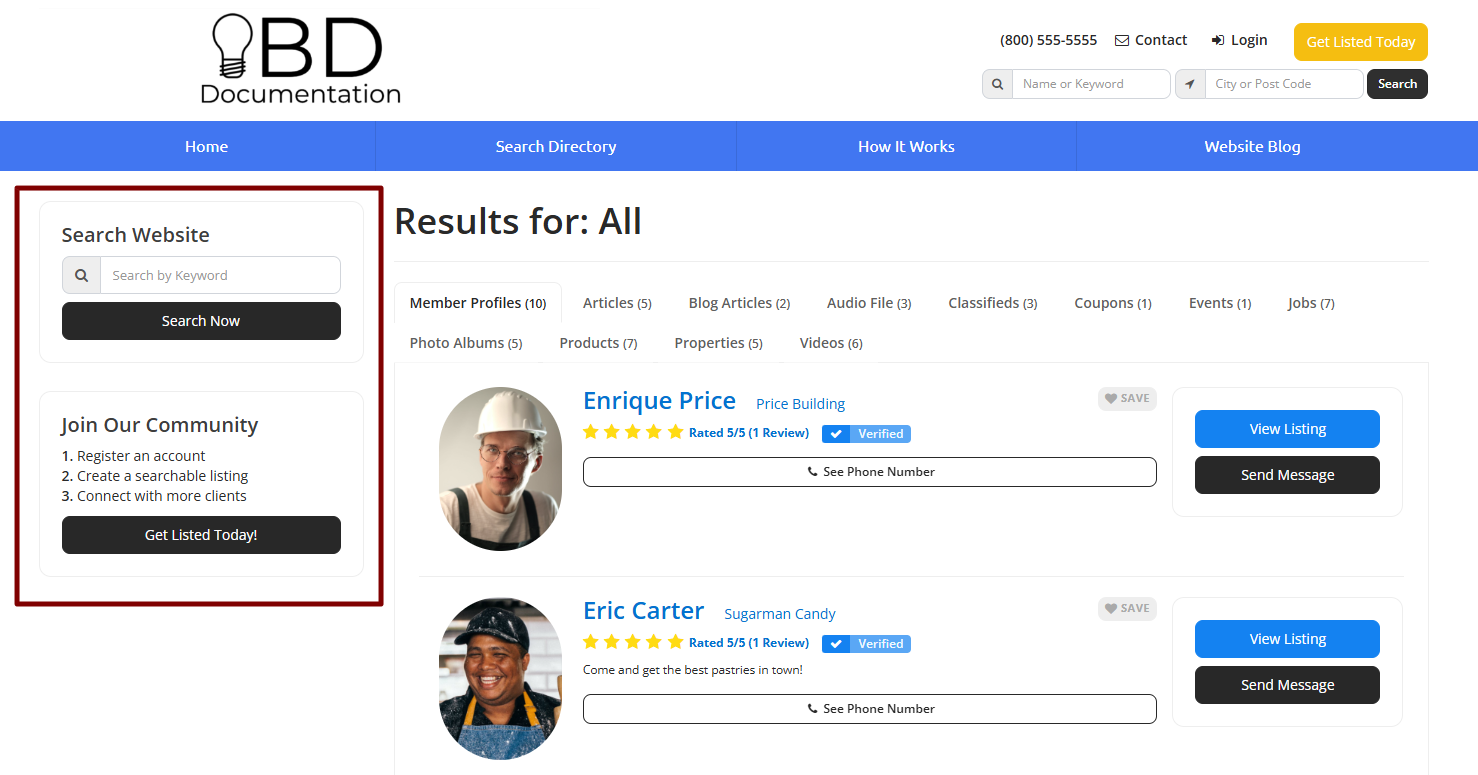
Global Search
This widget allows users to search more keywords across the entire site.
[widget=Bootstrap Theme - Module - Global Website Search]
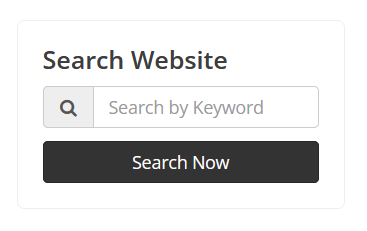
Member Profiles
The default sidebar used on this page is the Member Profile Page default sidebar.
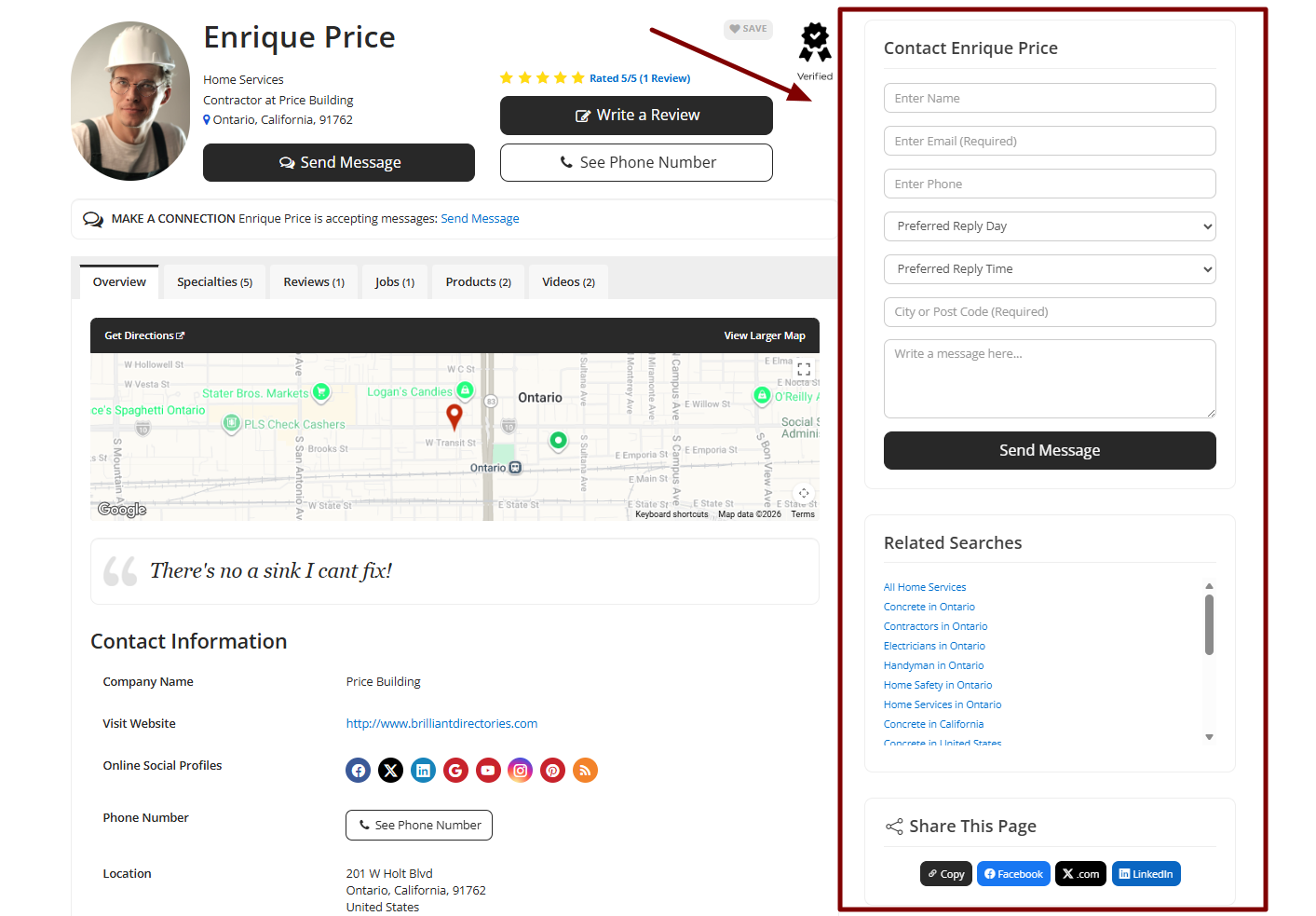
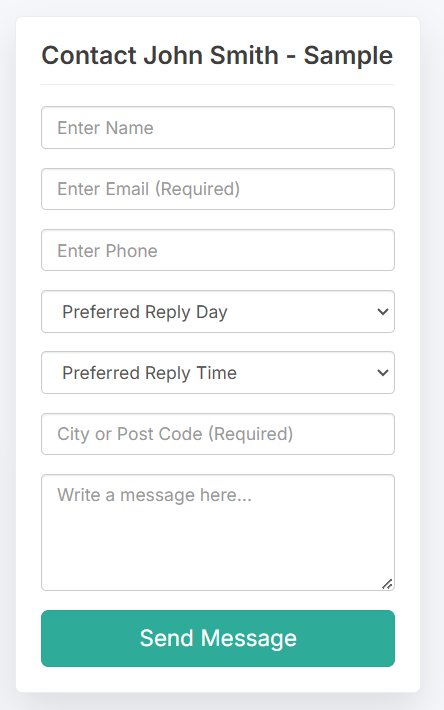
Contact Form
This widget allows users to contact the member.
[widget=Bootstrap Theme - Module - Member Contact Form]
Related Searches
This widget shows related searches based on the member's information.
[widget=Bootstrap Theme - Module - Member Related Searches]

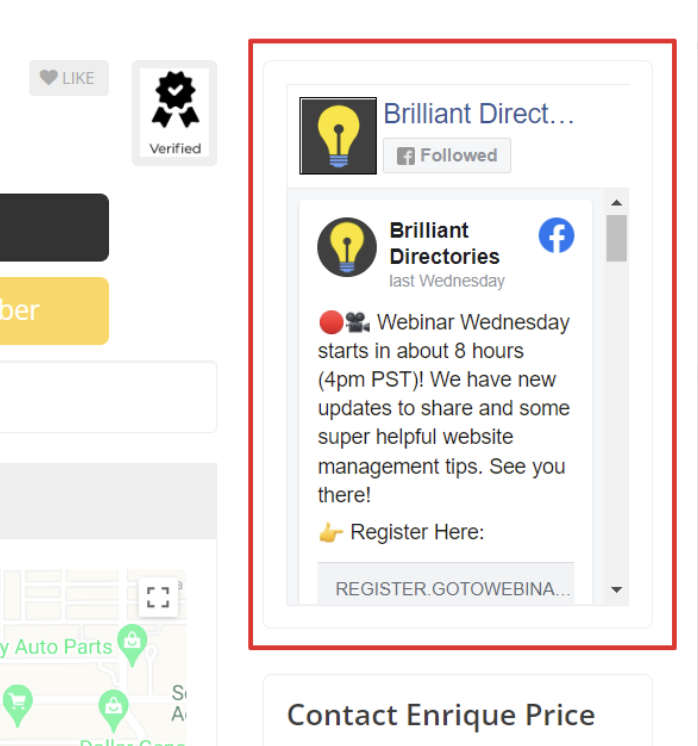
Facebook Feed
With this widget, the Facebook Feed streams all of the latest posts and updates from a specific Facebook account.
Only Facebook Company Pages or Fan Pages will stream content.
Member Search Results
The default sidebar used on this page is the Member Search Result default sidebar.
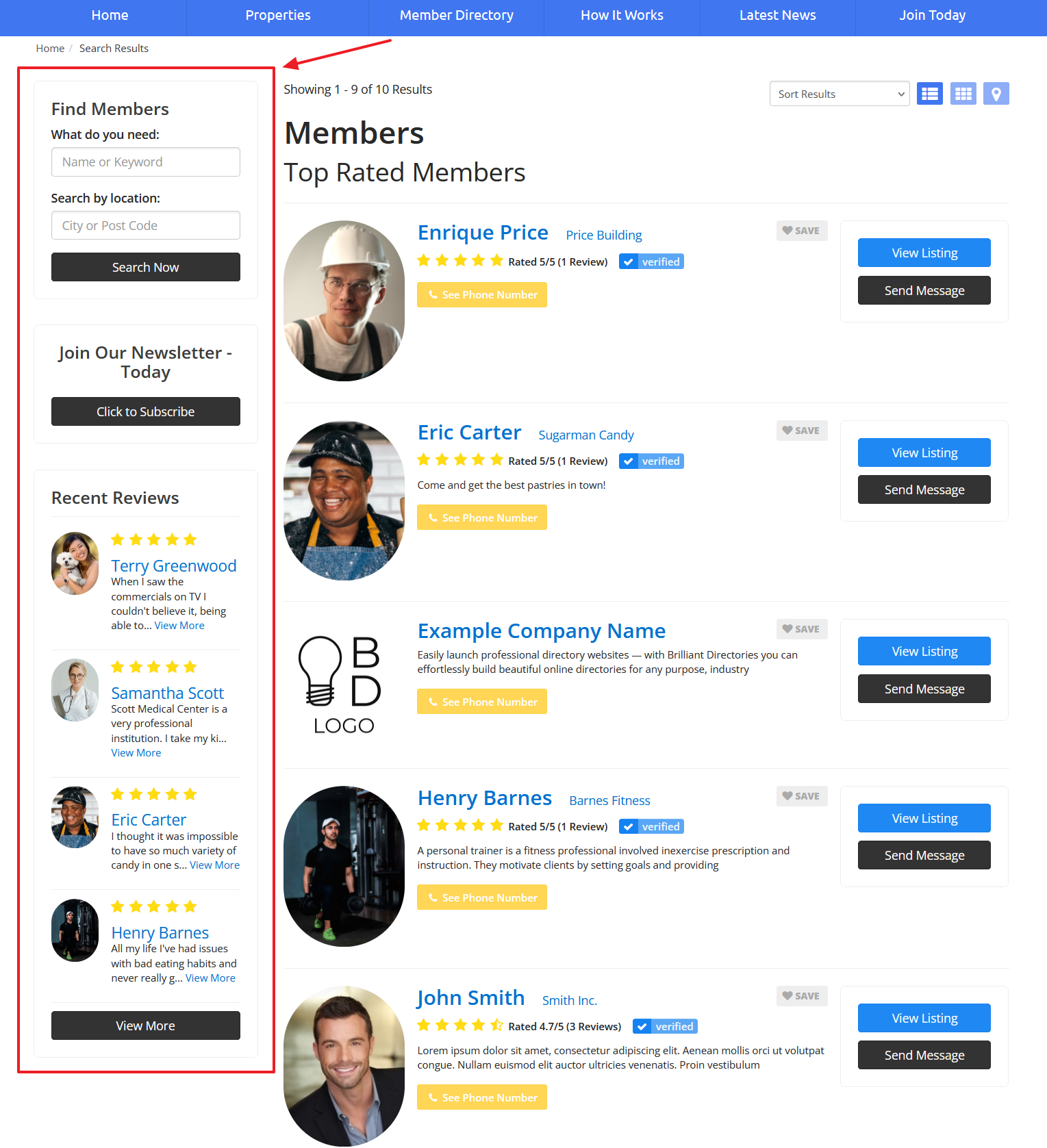
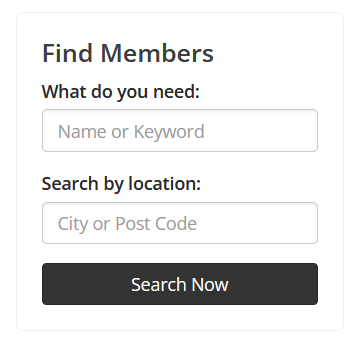
Search Module
This widget finds members based on keywords and/or location.
[widget=Bootstrap Theme - Search Module - Keyword_Location]
Recent Reviews
This widget displays recent reviews left on member's profiles.
[widget=Bootstrap Theme - Module - Recent Reviews]

Post Search Results
The default sidebar used on this page is the Post Search Result and some common widgets to use are:
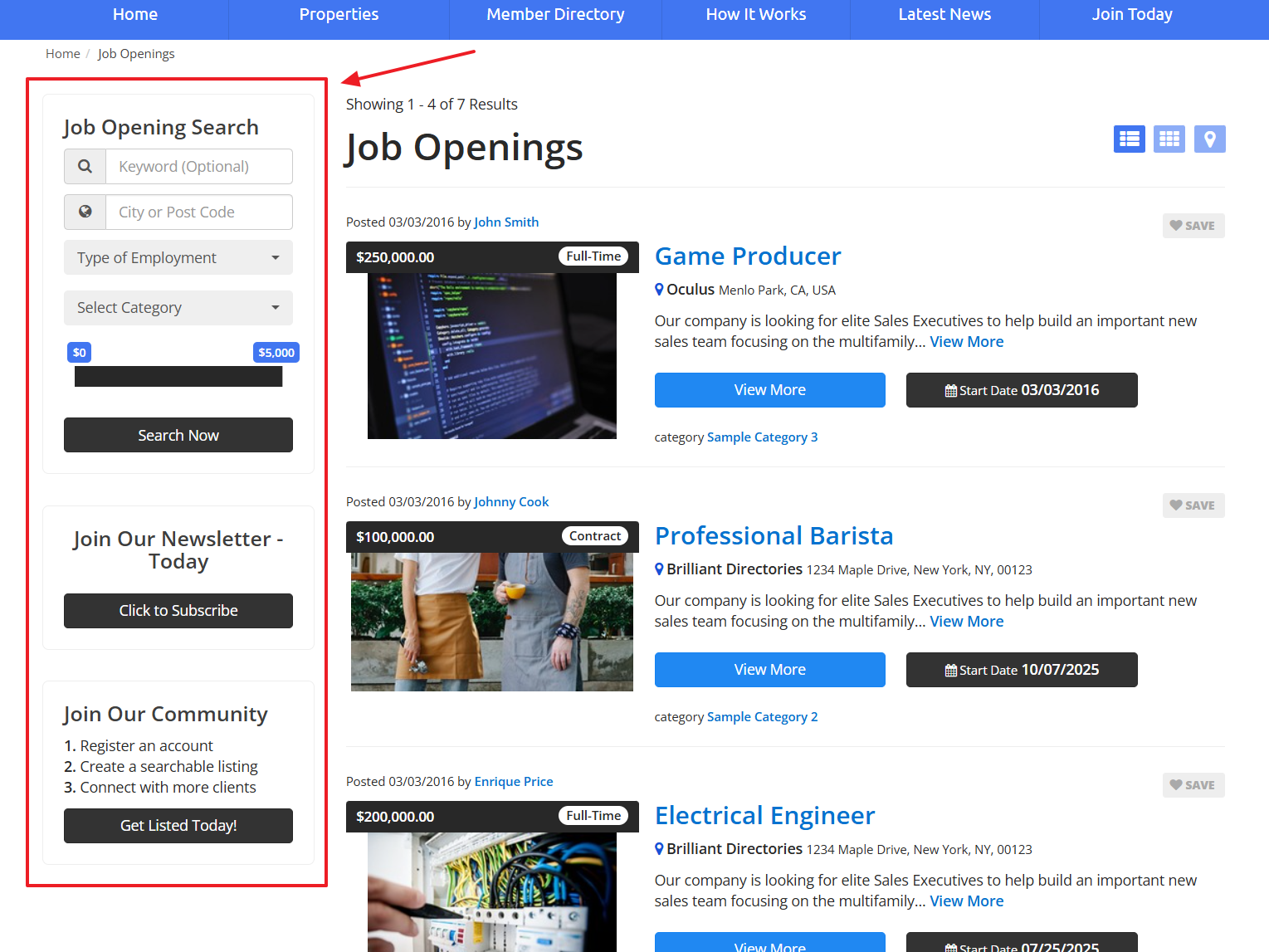
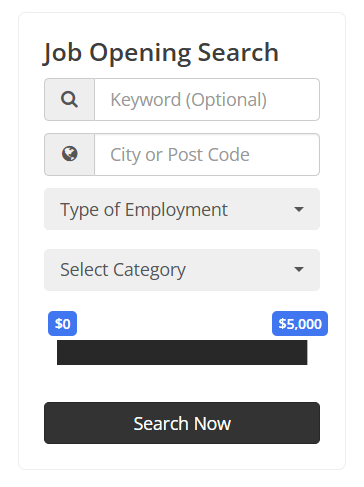
Dynamic Sidebar Search
This widget will adapt to the selected Post Type and show relevant filter options accordingly
[widget=Bootstrap Theme - Search Module - Dynamic Sidebar Search]
Post Detail Page
The default sidebar used on this page is the Post Single Page and some common widgets to use are:
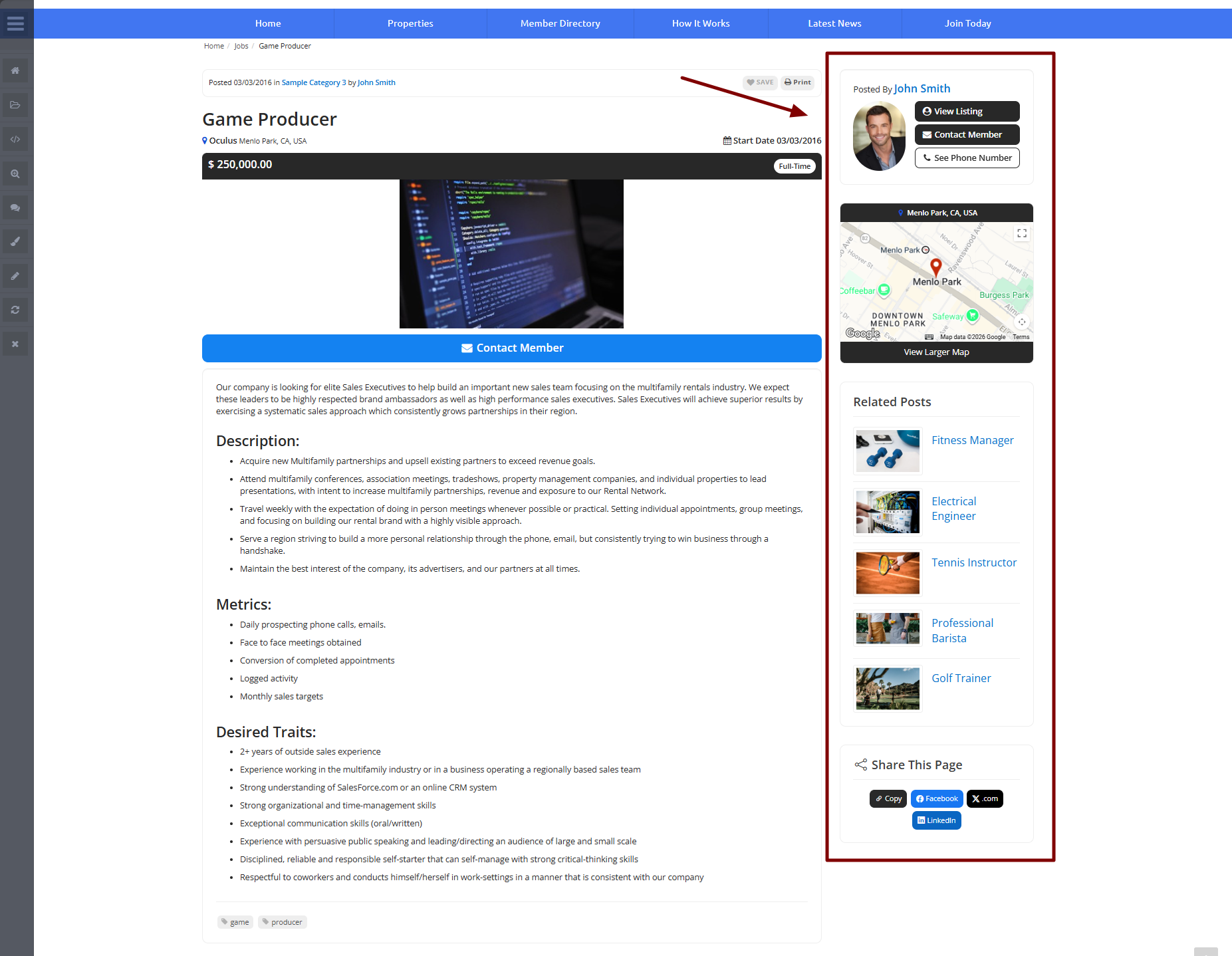
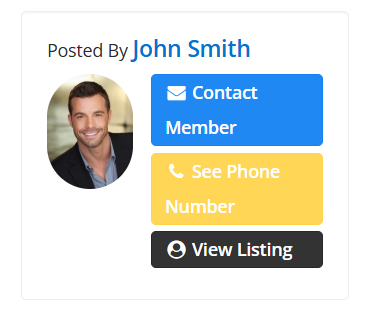
Posted By Author
This widget will show the author of the post along with options to contact or see the profile.
[widget=Bootstrap Theme - Module - Posted by Author Snapshot]
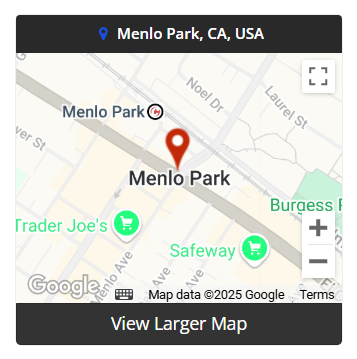
Post Location Map
This widget will display the location of the post.
[widget=Bootstrap Theme - Module - Post Location Map]
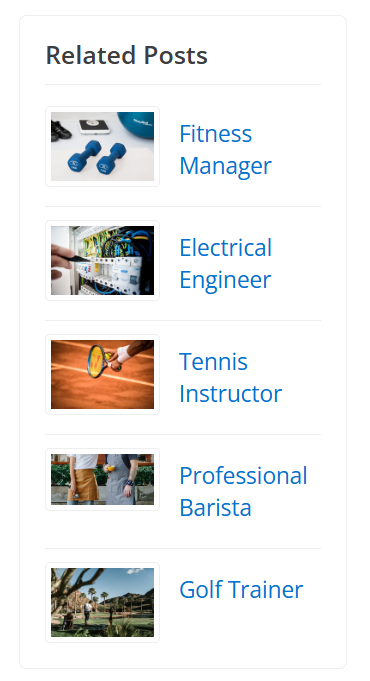
Related Posts
This widget will display the related posts by category.
[widget=Bootstrap Theme - Display - Related Posts by Category]
Notes
- Dynamic search modules and regular search modules can't be used on the same sidebar.
- Custom widgets can also be added, the functionality will depend on the custom code.
